Here’s a preview of the rig for the Dad character. I considered using HIK but Maya’s HIK solution creates an excessively complicated network. Instead, I stuck with a custom rig with IK-FK switching, character sets and definitions.
With this rig, I can apply mocap and switch between IK controls, FK keys and mocap using a weighted value. At the same time, the network is not overly complicated. IK controls are held to just what I want and adding another control during the middle of production won’t mean recharacterizing or recreating keys.
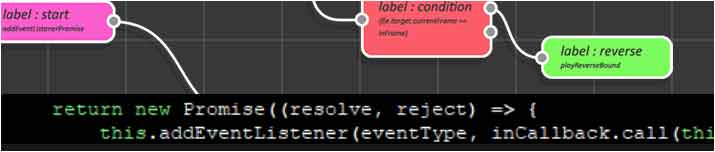
I’m currently working on a plugin for Adobe Animate CC and Adobe After Effects which I have nicknamed “Play.on”. It will allow you to build interactive HTML5 based media using visual programming. This media can be used for things like playable ads, mini-games, interactive web apps, banner ads, the list goes on. You can choose from a library of templates and customize it to suit your needs. The cool thing about this workflow is that you will not need to be a computer programmer to create a robust interactive experience.
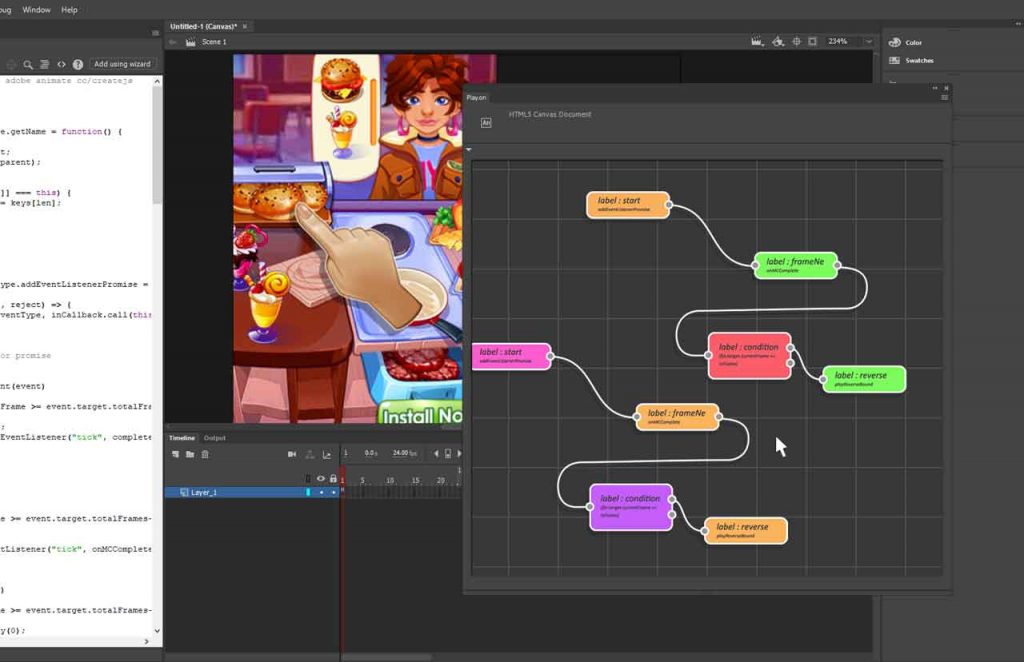
The concept is to use a node-based network to build and visualize an interactive experience. You design the experience using a series of nodes along with simple logic streamed together in a graph using Adobe Animate CC and Adobe After Effects.
The nodes refer to animations that can be triggered as the user travels through the experience funnel. After you have created your network, you can output an HTML5 web ready file that is not only responsive and polite loading but adapts to server environment, including being able to preflight for Google’s DV360, Facebook Playables, all while MRAID compliant. The plugin will output all the necessary code for you as JavaScript and HTML!
And as the platform grows, you can extend the plugin by simply adding more nodes. I am also working on building a node for supporting dynamic content so that one can use third party data feeds for things like keyword contextual targeting, geolocation, and campaign data can be fetched and used to determine what kind of experience will be delivered on the fly.
]]>So I’ve moved onto rigging the child/ice cream character. Unfortunately, the way I’ve modeled him, skinning and weights are causing issues. Although everything seems fine in IK, when I switch to FK and apply some test animation clips (like the above ballet clip), I run into some bad skinning issues.
Even after applying delta mush, I can’t seem to get the body to have a more volumetric look. I may try applying tension deformer to see if that helps. As I want to eventually be able to bake this down to the skin weights, I am holding off from applying pose space deformation or correctional blend shapes.
]]> ]]>
]]>
I wanted to share this quick tip video for Maya’s Align Tool. There are many alignment options available in Maya so there are many different ways to achieve a similar outcome. When using the Align Tool with flat objects you may “lose” manipulators along particular axes such as the Y axis when you have a flat plane in the selection. I think most people would simply switch to one of the other alignment options in order to achieve the result they are looking for.
The Align Tool is actually functioning correctly, albeit not very user-friendly. Because the flat plane is so small the manipulator icons have “disappeared” into the corner. These manipulators are actually still available. You need to “zoom” into the corner of the selection to access them!
]]>
I modeled out the daddy sketch. I want to create a couple background characters and to begin creating a style, theme and a treatment outlining a first pass narrative. After creating a couple more characters I will try out some rigs that cater to the look and feel that I want to approach.
Right now, my inspiration are some of the new 3D animated series that one can see on YouTube and Netflix. Num Noms, Tsum Tsum, True and the Rainbow Kingdom, Super Monsters, BabyBus are a handful of current 3D animations which I admire.

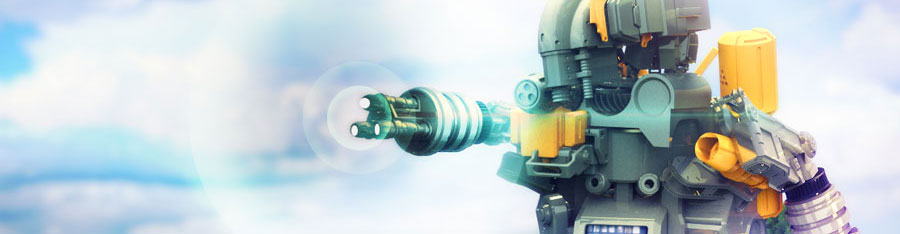
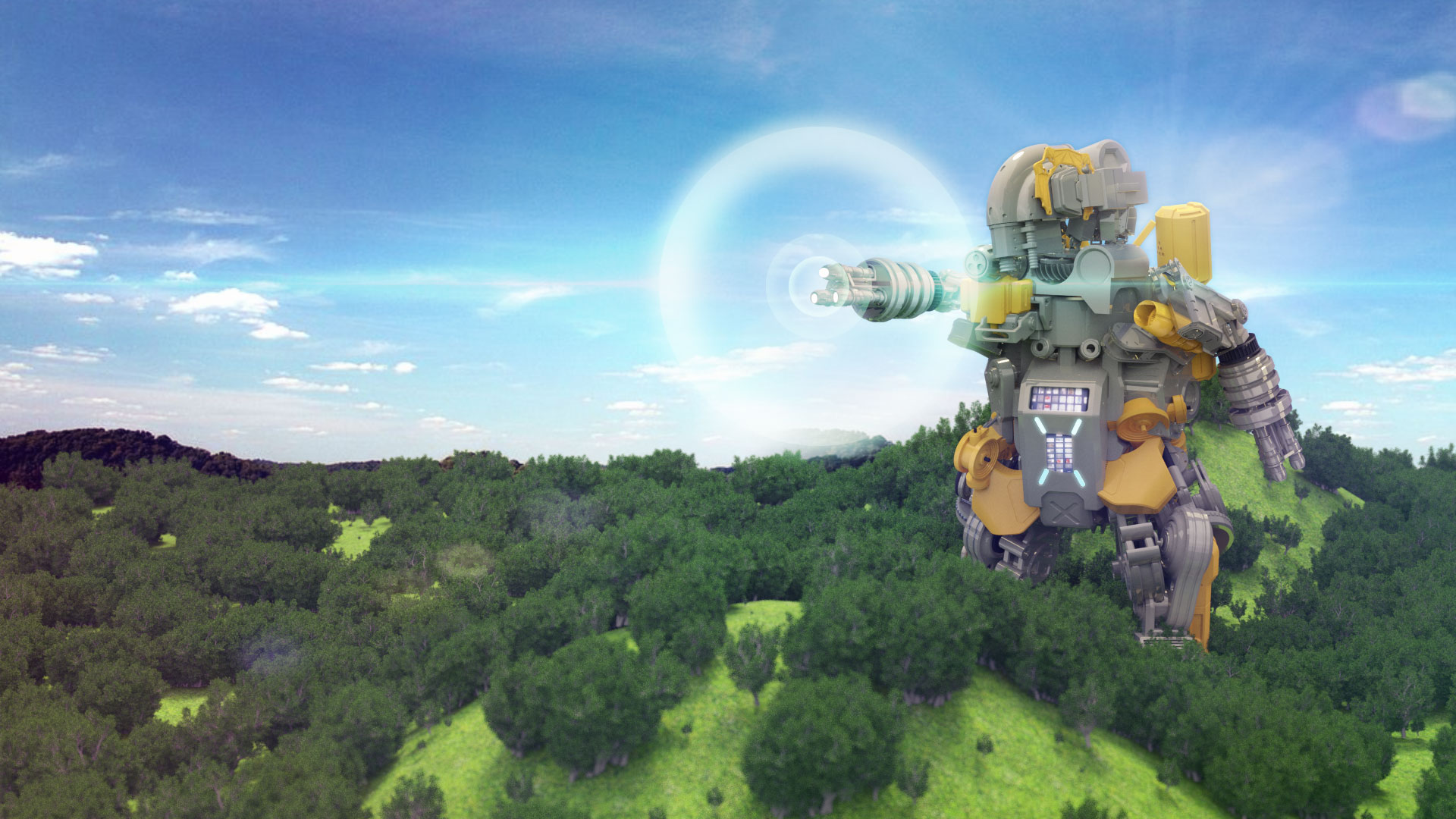
I took a break from making food based character designs and kitbashed a model for a Gundam inspired mech robot using Andrew Averkin’s Hard Surface Kitbash Pack.
It took a couple hours of bashing the model together but creating what I thought would be a rudimentary rigid bind skeleton turned out to be a time consuming project. In this case, I found that since the rigid binding tools are no longer available, I needed to create a smooth bind instead, and then modify memberships and weights in order to mimic a rigid binding set up.
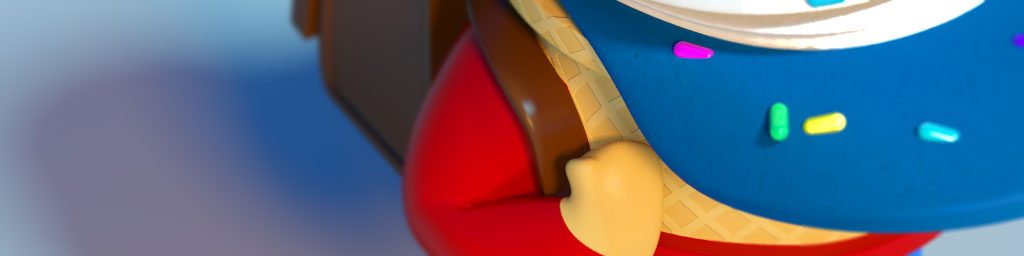
Created another character for the animated series. This will be the main character who is an anthropomorphized soft serve ice cream cone. Below is the sketch and the first pass on the 3D model. I’m wanting to keep textures as simplistic as possible but there are some cases where you need more detail to convey the character. Like in this case, the waffle pattern around the face needs to stand out just enough otherwise you lose the ice cream cone quality but too much and you lose the human quality.
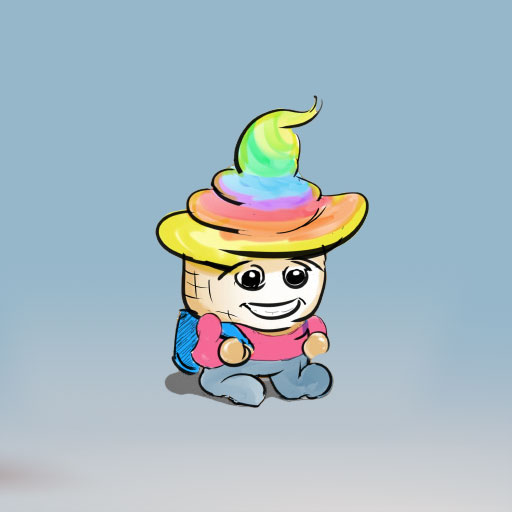
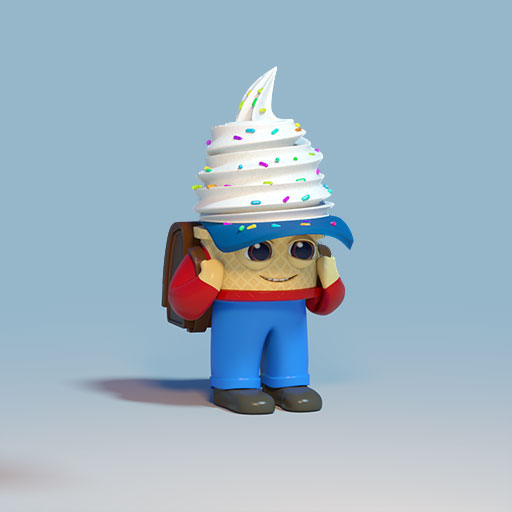
Since my son is a big fan of rainbows, as of course most five years old are, I was originally thinking of using a rainbow colored soft serve ice cream but on second thought decided that vanilla ice cream with sprinkles made more sense.
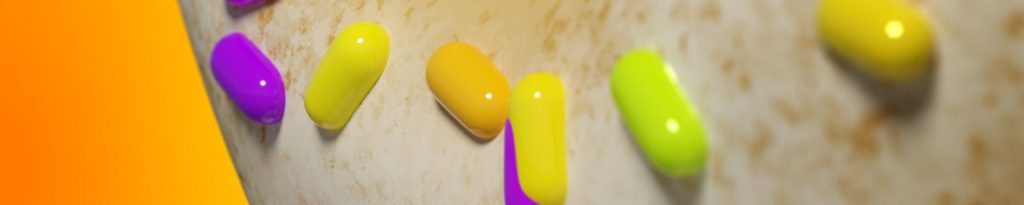
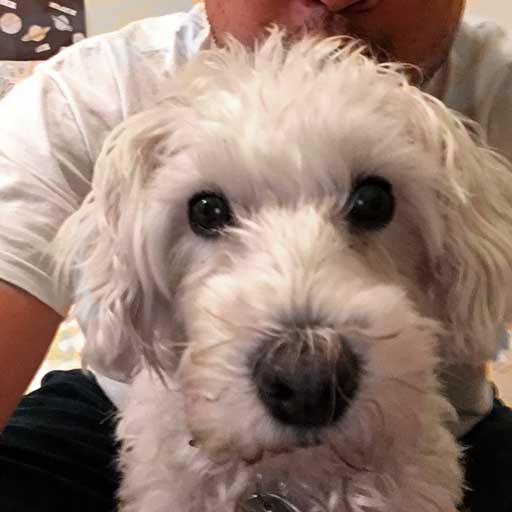
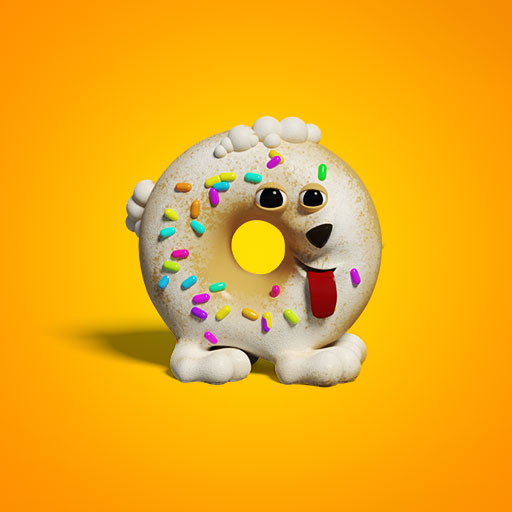
Created another character for the animations. This one I am basing on our dog Kinu. She’s a white Schnauzer-Poodle mix. I’m making her into a doughnut at my son’s request. Take a look at the evolution from dog to doughnut!

]]>

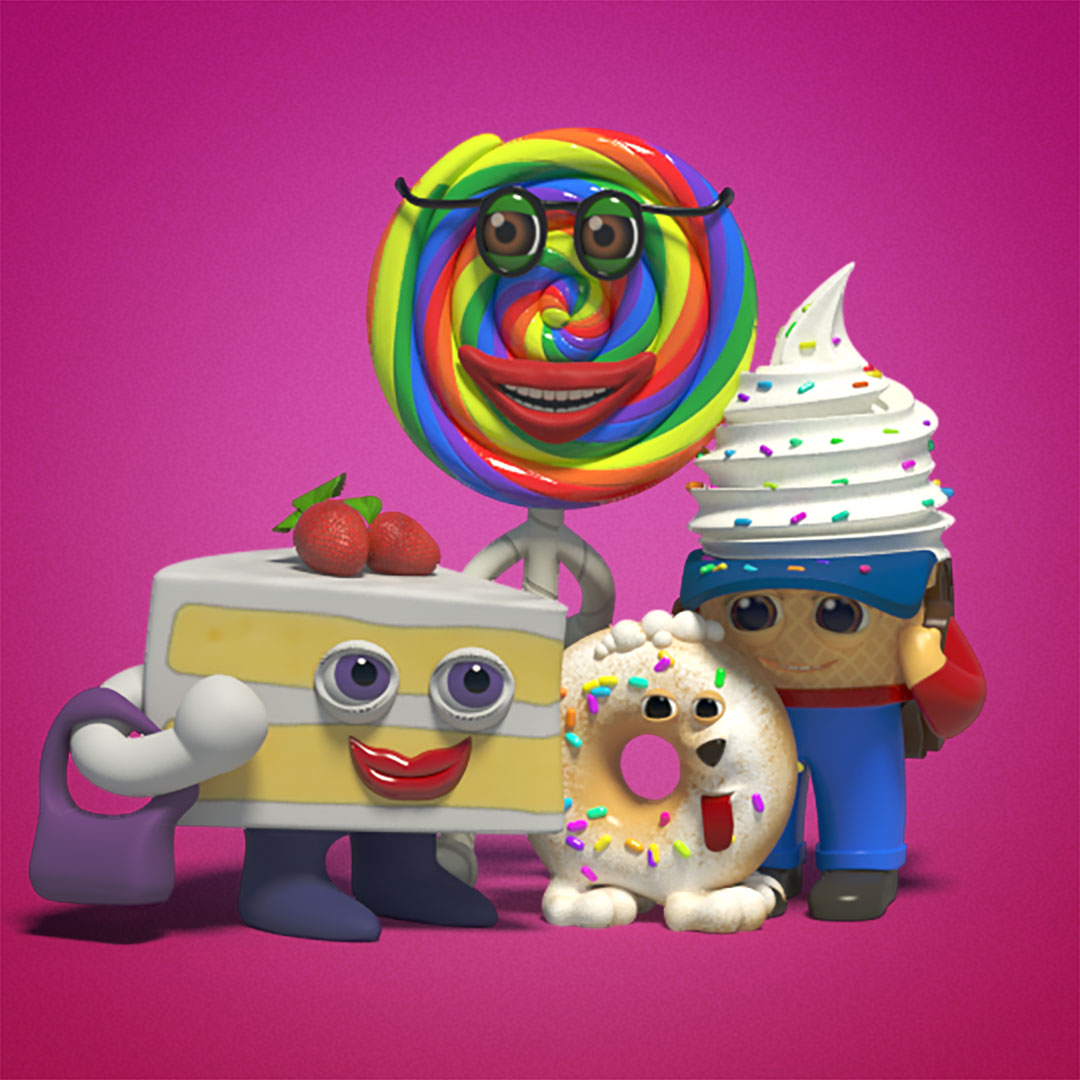
Some first pass concepts and sketches for characters in my animated series. Just so you know, I am getting the bulk of my art direction from a 5-year-old and he is a tough boss! The characters will be food-based, anthropomorphized and cartoonish or at least as far as it is currently envisioned. Some of it or all of this may change of course. For now, I created some quick character sketches and modeled out some of the characters.
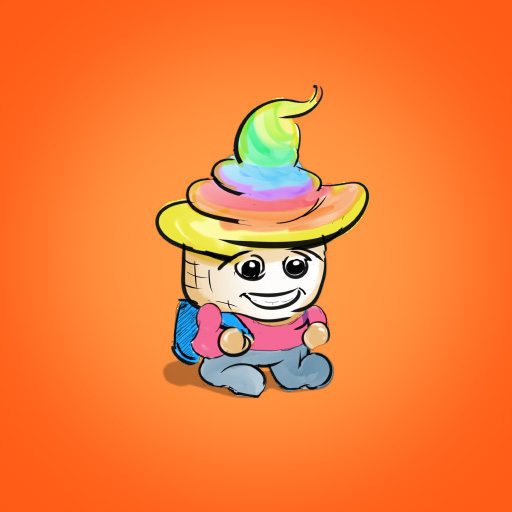
kento
daddy
Our main protagonist is a school kid envisioned as a humanized rainbow ice cream. Of course all of this is preliminary and I will be completing multiple iterations before I even get into production.
I also took the cake character and created a 3D model of her. Once I have a handful of characters to populate the world with, I’ll start some rigging and animated tests.
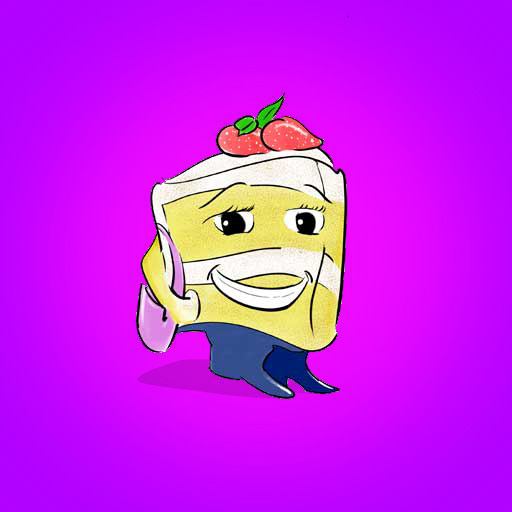
mama
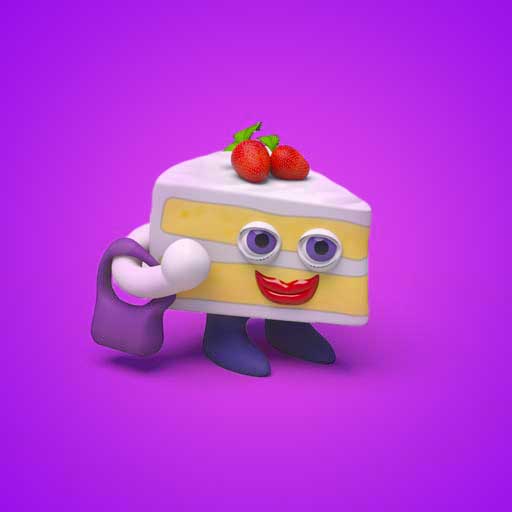
mama model
]]>