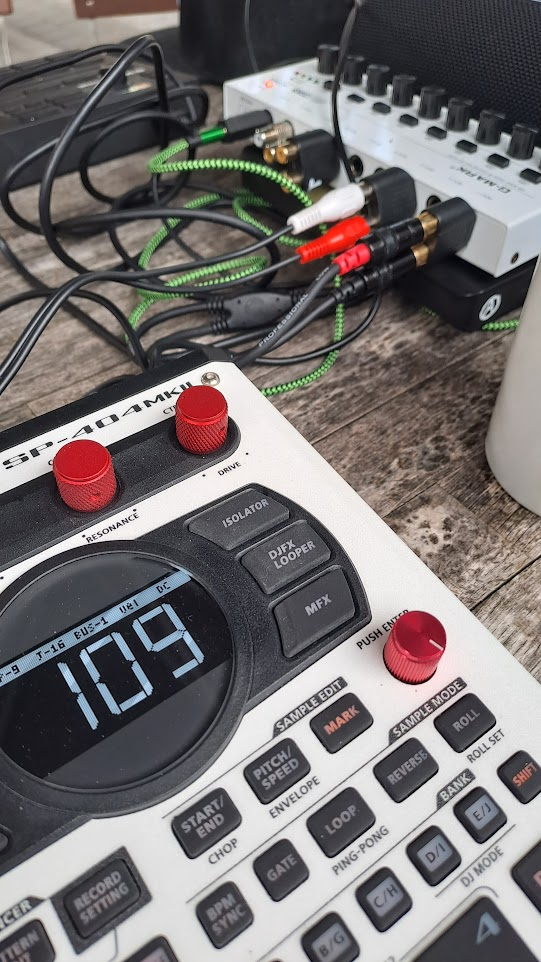
The SMP format uses a RIFF-like 32-byte header, but with big-endian fields (unlike WAV’s little-endian ones): a “RFWV” magic number, followed by the total file size, sample rate, channel count, and bit depth. Immediately after the header sits a fixed block of roughly 480 extra bytes that don’t correspond to the actual sample. This appears to be leftover data from the sampler’s internal recording buffer — a byproduct of flash memory not being wiped between takes, so a trace of a previous recording lingers there. Past that block, the real audio begins: standard interleaved 16-bit little-endian PCM, sample-for-sample identical to the exported WAV (aside from occasional single-bit rounding noise, inaudible in practice).
With the format mapped, converting .SMP files to standard .WAV is straightforward — just parse the header, skip the buffer remnant, and wrap the PCM data in a proper WAV container. You can use the converter provided on this website or take a look at the corrsponding github repository if you want to get a deeper inside into the code: https://github.com/andymann/roland-smp-to-wav-converter
SP-404 mk2 .SMP → .WAV Converter
Upload a single .SMP file (max 500 KB). Conversion happens entirely in your browser — nothing is uploaded anywhere.
Since everything is happening in your browser locally you can also point to complete folders and have them converted recursively. Tests on my side all went cool – it just works.
SP-404 mk2 .SMP → .WAV Folder Converter
Select a folder. All .SMP files inside it (including subfolders) will be converted and bundled into a downloadable .zip. Everything happens in your browser — nothing is uploaded anywhere.