Want Ryan to look at your room? Call (973) 945-5275 or text Ryan. You can also see the full 98-inch Sony movie night room we are building for families this season.
In this guide
- Screen size and seating distance
- Why 98 inches: the Sony BRAVIA 5
- Sound with Triad and McIntosh power
- Lights and shades for movie night
- One remote anyone in the house can use
- The holiday timeline
- Football Sundays and the Big Game
- Movie night room questions
- Meet Ryan
What screen size fits your room, and how far away should you sit?
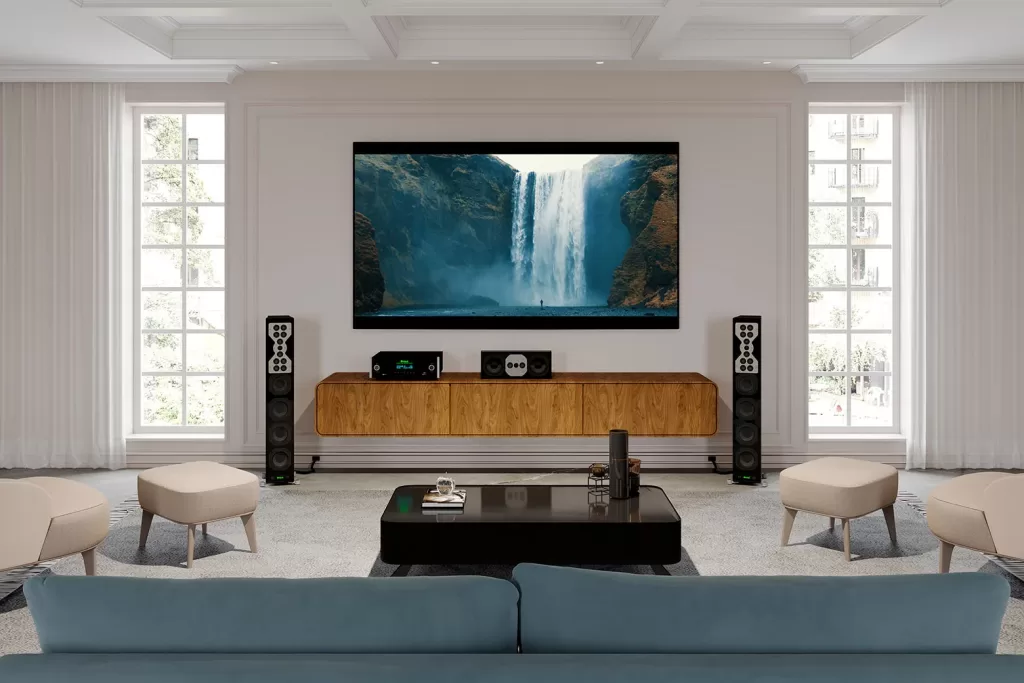
The right screen size depends on how far your main seat is from the wall. For a 98-inch screen, that sweet spot is roughly 10 to 13 feet. Closer than that and you start turning your head. Farther back and the screen shrinks into an ordinary TV.
The reason is the viewing angle, meaning how much of your field of view the picture takes up. Film industry guidelines from SMPTE call for the screen to fill at least about 30 degrees of your view from the seat. THX, the group that certifies cinemas, recommends about 40 degrees for a more immersive feel. Those 2 numbers are the bookends we design between.
Here is how the math works on the Sony BRAVIA 5 98-inch. Its picture measures 97.5 inches corner to corner, which makes the image itself about 85 inches wide. To fill 40 degrees of your view, the seat lands about 9 feet 9 inches from the screen. To fill 30 degrees, it lands about 13 feet 3 inches away. Most family rooms we see in Morris and Bergen County homes put the sofa right inside that window.
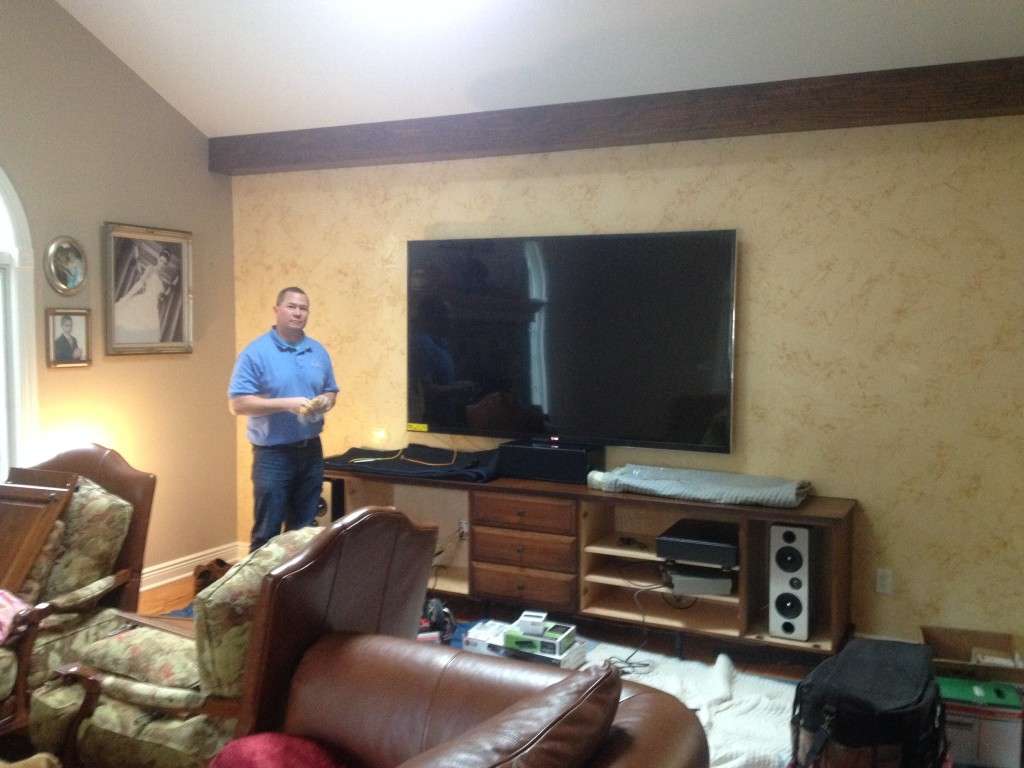
Height matters as much as distance. The center of the picture should sit close to your eye level when you are seated, not standing. That sounds obvious, yet most TVs end up high because the wall space above a console or fireplace looks empty. A screen mounted too high feels fine for 10 minutes and tiring by the end of a 2-hour movie. Ryan measures from the cushion of your actual sofa, because a deep lounge sofa and an upright chair put your eyes in very different places.
Second rows change the plan. If you want kids on the floor cushions up front and adults on a sofa behind them, the screen height has to work for both. Sometimes that means a slightly higher mount and a small tilt. Sometimes it means a low platform behind the first row. The goal is that nobody watches the movie through the back of someone else’s head.
Why 98 inches, and why the Sony BRAVIA 5?
Because 98 inches is where a family room starts to feel like a theater without needing a projector, a dark room or a separate space. The Sony BRAVIA 5 98-inch, model K-98XR50, pairs that size with a Mini LED picture that stays bright in a lived-in room and deep in a dark one.
A projector can go bigger, but it needs a dark room to look its best. A 98-inch TV like this one holds its picture with the lamps on and the shades half open, which is how most families actually watch. That is the trade we usually recommend for a family room, and the reason this size has become our favorite for movie night.
Here are the specs that matter, taken straight from Sony’s published specifications for the K-98XR50:
| Spec | Sony BRAVIA 5 98-inch (K-98XR50) | Why it matters on movie night |
|---|---|---|
| Screen size | 98-inch class, 97.5 inches measured diagonally | Big enough to fill your view from 10 to 13 feet |
| Resolution | 3840 x 2160 (4K) | 4 times the detail of a 1080p HD picture, so the image stays sharp up close |
| Backlight | Mini LED with local dimming (XR Backlight Master Drive) | Bright highlights and deep blacks in the same scene |
| Refresh rate | 120 Hz panel | Smoother motion for sports and fast action |
| HDR formats | HDR10, HLG and Dolby Vision | Plays the best version of most streaming movies and live broadcasts |
| Picture modes | Includes IMAX Enhanced and Dolby Vision modes; studio calibrated modes for Netflix, Sony Pictures Core and Amazon Prime | The picture the filmmaker approved, at the touch of a button |
| Connections | 4 HDMI inputs; HDMI 2.1 features 4K120, eARC, VRR and ALLM | Full-quality sound out to the speakers and full-speed gaming in |
| Network | Wi-Fi 6 plus a wired Ethernet port | We wire it, so 4K streaming does not depend on Wi-Fi |
| Size without stand | 86.63 x 49.5 x 3.38 inches | Slim enough to sit close to the wall on a mount |
| Weight without stand | 152.1 pounds | Needs a mount secured to the wall framing |
| Mounting pattern | VESA 600 x 400 mm | Fits professional fixed, tilt and articulating mounts |
A few of those lines are worth a closer look. The studio calibrated modes mean the TV can show a movie the way it was graded in the studio, instead of with the extra-bright, extra-blue look many TVs ship with for store shelves. When we set up the room, we pick those modes for film nights and save a brighter mode for afternoon games.
The eARC connection is the quiet hero. It lets the TV pass full-quality surround sound from its built-in apps out to the amplifier and speakers. Without it, streaming movies often get squeezed down to a simpler sound format before they ever reach your speakers.
The wired Ethernet port matters more than most people expect. Wi-Fi 6 is good, yet a 4K movie streamed on a busy Friday night, with phones, tablets and a game console all online, can still stall. We run a network cable to the TV whenever the wall allows it, so the picture never drops to a blurry low-resolution version in the middle of the best scene.
How do Triad speakers and McIntosh power make the sound feel real?
Great movie sound comes from the right number of speakers in the right places, driven by an amplifier with plenty of power in reserve. One Sound Choice is an authorized Triad dealer, and we pair Triad speakers with McIntosh amplification because the combination delivers clear voices, wide sound and bass you feel without the room turning into a box.
Start with the layout. A 5.1 system has 3 speakers across the front, 2 surrounds beside or slightly behind the seats, and a subwoofer for bass. A 7.1 system adds 2 more speakers behind the seats. Many rooms we design also add speakers in the ceiling, which lets formats like Dolby Atmos place a helicopter or a rainstorm above you. The right layout depends on the room, the seating and how much ceiling space is free of beams and lights.
The center speaker deserves special care. In most movies, the center channel carries the dialogue. If it is weak or aimed at the wrong height, you end up turning the volume up to hear the actors and then lunging for the remote when the music hits. A good center speaker placed right at the screen fixes the most common complaint people have about home sound.
Bass is the hardest part of any room. Low notes bounce off walls and pile up in some seats while disappearing in others. Using 2 subwoofers, placed with care, usually evens that out so every seat on the sofa gets the same thump. It also lets each subwoofer work less hard, which keeps the bass clean at movie volume.
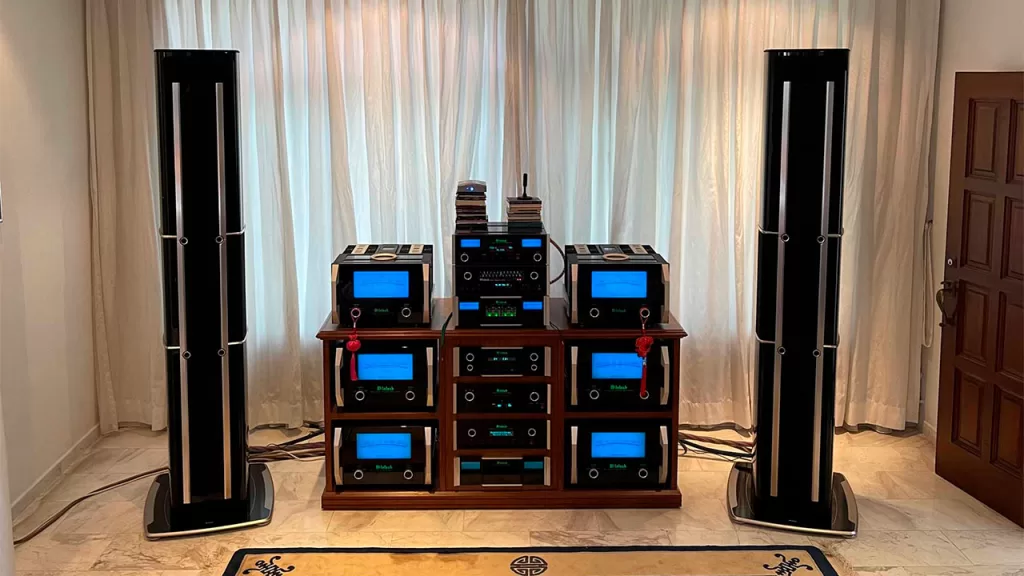
Why a separate amplifier at all? Movie soundtracks swing from a whisper to an explosion in a split second. An amplifier with real power in reserve handles those jumps without straining, so the loud moments hit hard and the quiet ones stay clear. That reserve is called headroom, and it is the difference between sound that feels big and sound that feels loud.
Triad builds speakers for in-wall, in-ceiling and on-wall installation, so the system can be close to invisible in a finished family room. Speakers set into the wall and painted to match let the room look like a living room by day and sound like a theater at night.
Then comes tuning. Every room changes the sound, so after the speakers are in, the system is measured and adjusted from the main seats: speaker levels, distances and bass balance. This is where the system starts to sound like one seamless space instead of a collection of boxes.
I hired 1 Sound Choice to do a surround sound system in my living room and multi-room audio in 5 other rooms in my house,I asked Ryan to make it simple for my wife and I to use and we didnt want to see any wires or equiptment.Ryan ( the owner of 1 Sound Choice) presented me with a awesome solution for what I asked for at a price point that was right in range of my budget.The project was done faster then estimated and the workmanship of Ryan and his crew was above and beyond what I expected, They worked clean and were very personable, I would HIGHLY reccomend everyone to use 1 Sound Choice for all A/V installations. I will definately be using them again!
– kgrecco75 (Houzz review)
Thinking about this for your family room? See how we put the picture, sound and remote together on our movie night room page, or call (973) 945-5275 to talk it through with Ryan.
How should lights and shades work on movie night?
Lights and shades should set the mood by themselves the moment you press play. The front of the room goes dark so the screen pops, a soft glow stays on near the floor so nobody trips on the way to the kitchen, and the shades close so a streetlight or a late sunset never washes out the picture.
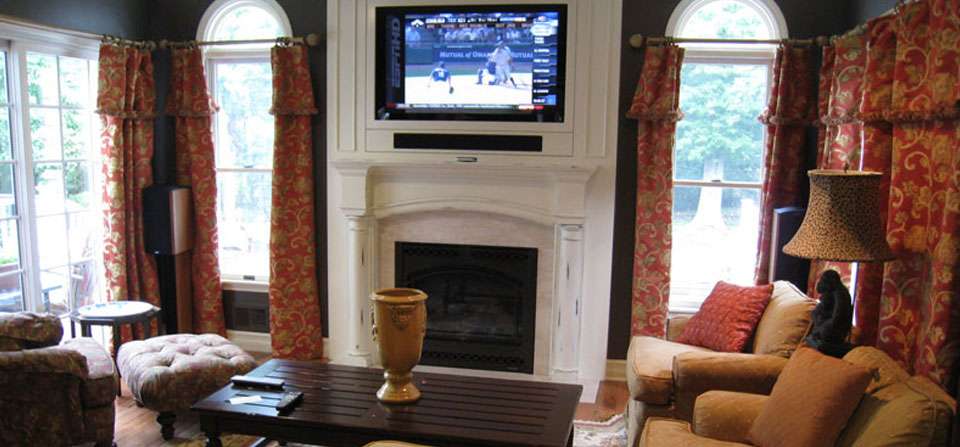
Think of light in layers. Overhead lights near the screen are the first to go off, because they reflect on the glass. Side lights and lamps can stay at a low level so the room feels warm, not like a cave. Low path lights along steps or a walkway keep everyone safe during the snack run. Each layer gets its own level, and the system remembers all of them as one scene.
Then link the scene to what you are doing. When the movie starts, the lights fade down over a few seconds instead of snapping off. When someone pauses, the lights come up just enough to find the popcorn. When the credits roll, they rise back to normal. Nobody touches a switch.
Shades come in 2 main types for this room. Blackout fabric blocks nearly all light, which is ideal for a basement or a room used mostly at night. Light-filtering fabric cuts glare and keeps the view, which suits a family room that hosts Sunday afternoon football. Many rooms get both on a double roller: light-filtering for the day and blackout for movie night.
Can one remote really run the whole room?
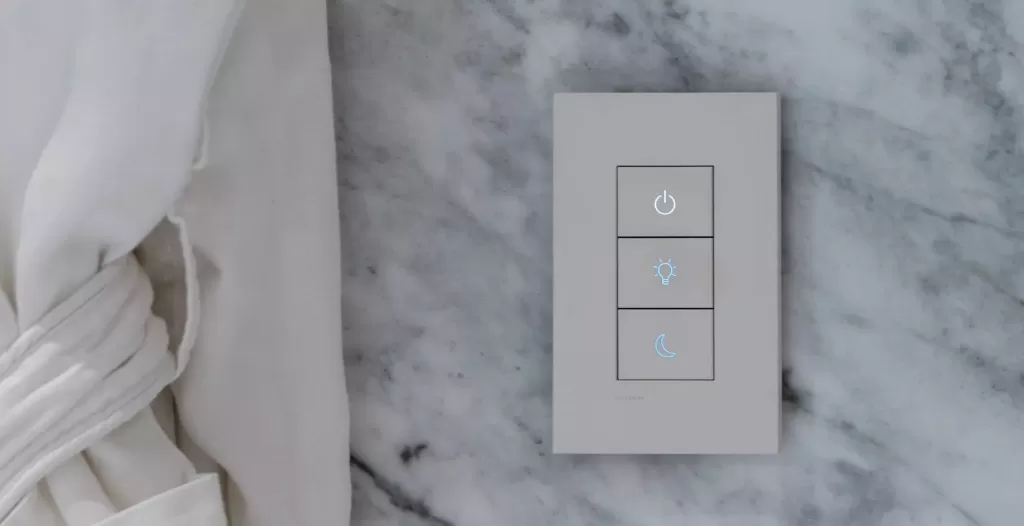
Yes. With a Control4 system, one remote and one wall keypad run the TV, the speakers, the streaming box, the lights and the shades together. You press one button for what you want to do, and the system handles every step in the right order.
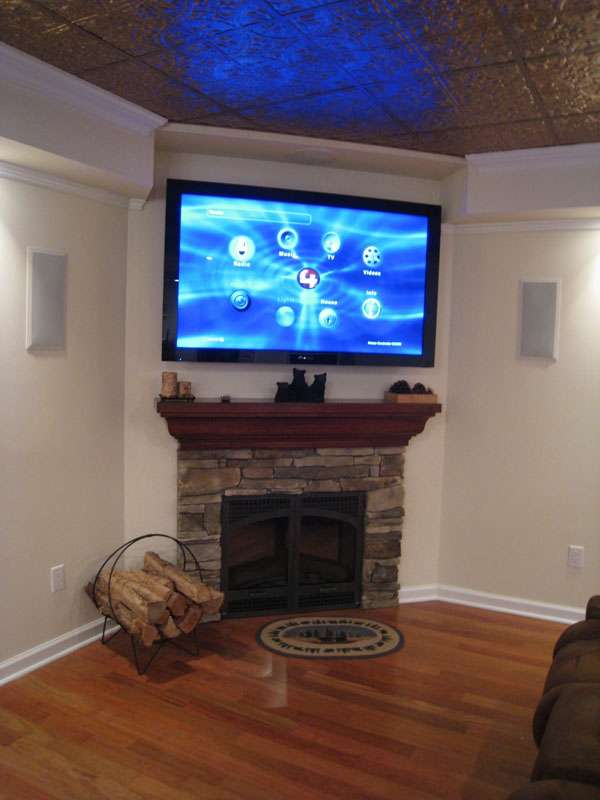
The buttons are labeled by activity, not by device. Watch a Movie turns on the TV and the amplifier, switches to the right input, closes the shades and sets the lights. Watch the Game does almost the same thing with brighter lights and the sports picture mode. Off shuts everything down at once, so nothing is left humming overnight.
This is what makes the room feel easy for the whole house. A grandparent visiting for the holidays does not need a lesson. The kids can start their movie without calling for help. Guests at a Sunday game can turn up the volume without finding a second remote. The same controls are on your phone, so a parent upstairs can pause the movie when it is time for bed.
Peace of mind is the other half of ease. A room with this many parts has to behave the same way every time, and it has to be supported when something needs attention. Streaming apps update, TVs get new software, and Wi-Fi changes over the years. When the room is built and programmed as one system by one team, there is one call to make, and the person who answers knows how your room was put together.
1 Sound Choice installed a flat screen TV for us along with surround sound. We could not be happier with the professionalism we received. They were within budget and time — no surprises. We would highly recommend 1 Sound Choice.
– The Baron Family (1 Sound Choice client testimonials)
When should you decide to have it ready for Thanksgiving and Christmas?
Now. Thanksgiving falls on Thursday, November 26, 2026, and Christmas is Friday, December 25. If you want the room finished for the parade, the afternoon game and the first holiday movie with the whole family, the decision belongs in October so the work can be planned around your calendar.
We will not guess at lead times on a web page, because every house is different. What we can tell you is what goes into the timeline, so you know why deciding early helps.
- A walk-through with Ryan. He sits where your family sits, measures the wall, checks the windows and talks through how the room is used on a normal week and on a holiday.
- A design built around the room. Screen size and height, speaker layout, where the equipment lives, the lighting scenes and the shades.
- Ordering. The screen, speakers, amplifier and shades are ordered once the design is set. Some items, especially custom shades and built-to-order speakers, take time to arrive.
- Wall and ceiling work. Cables run inside the walls, the mount is secured to the framing and in-wall speakers are cut in. In a finished room, this is planned to keep dust and disruption to a minimum.
- Installation, tuning and programming. The system goes in, the sound is tuned from the seats and the one-button scenes are programmed.
- A walk-through for the family. Everyone who will use the room learns it in a few minutes.
The timing of each step depends on your house: whether walls are open or finished, whether shades are part of the plan, and how your family’s schedule lines up with the work. Deciding now simply gives the most room to plan before the holidays fill everyone’s calendar.
If you would like the room ready for the holidays, the first step is a conversation. Call (973) 945-5275, text Ryan, or see the 98-inch Sony movie night room to picture it in your home.
Football Sundays and the Big Game
A great movie night room is also the best football room in the house. The same 98-inch screen, surround sound and lighting scenes that make a movie feel big make every Sunday feel like a seat at the 50-yard line.
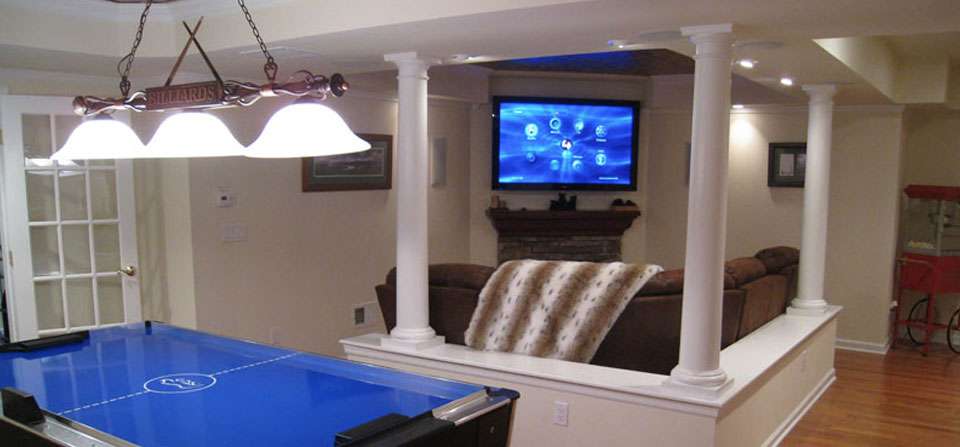
Sports ask different things of the room than movies do. The picture needs more brightness for an afternoon game with the shades partly open, so we set a separate sports mode for daytime. The 120 Hz panel keeps a long pass or a fast break smooth instead of smeared. And the sound shifts from the center of the room to the whole room, so the crowd noise fills the space while the announcers stay clear.
Game day seating is different, too. People stand, wander to the kitchen and talk through the commercials. So we look at sight lines from the island and the bar as well as the sofa, and we make sure the sound reaches the edges of the room without blasting the people closest to the screen.
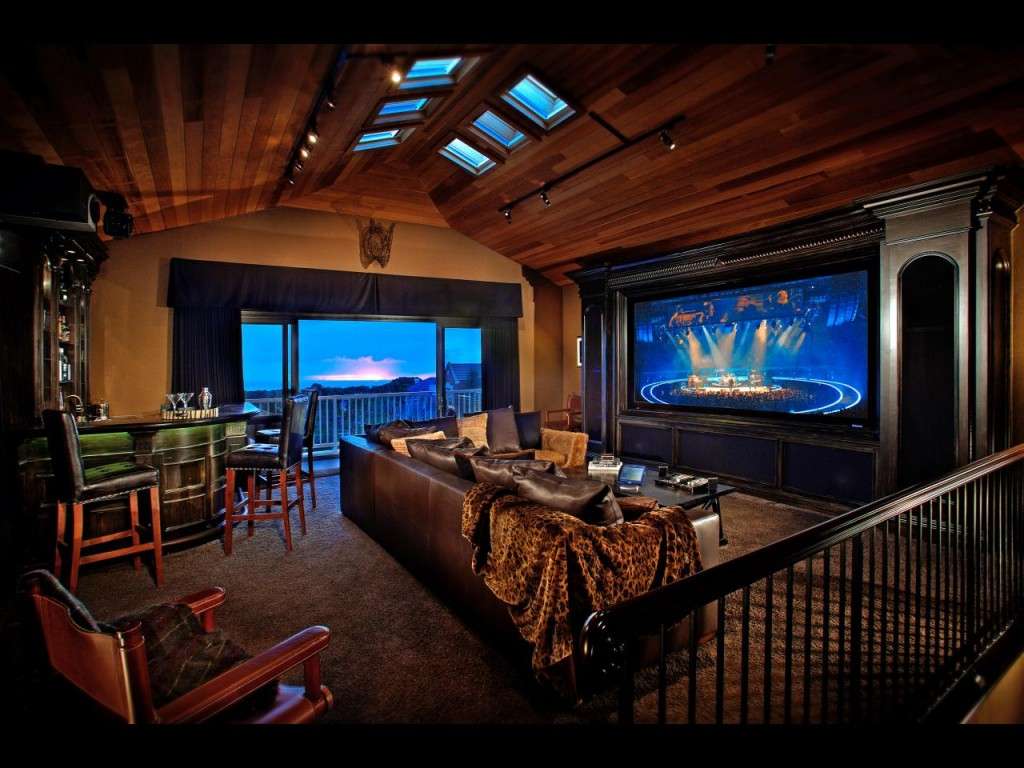
The season builds toward February, when the Super Bowl lands on Sunday, February 14, 2027. Imagine that night on a 98-inch screen, with the whole crowd in your family room.
(We received) friendly, highly competent, quick and clean installation by 1 Sound Choice. The team followed up a few weeks after completion to ask if we were satisfied with our Media Room and Home Audio System. 1 Sound Choice is truly “top shelf” – they surpassed our expectations every step of the way.
– Mr. & Mrs. Blake (1 Sound Choice client testimonials)
What One Sound Choice clients say
The quotes in this guide are copied word for word from families who invited One Sound Choice into their homes.
Movie night room questions
Is 98 inches too big for a family room?
Usually not. If your main seat is about 10 to 13 feet from the wall, a 98-inch screen fills the view the way a movie is meant to, without making you turn your head. Rooms where the couch sits closer than about 9 feet are better served by a smaller screen, and Ryan will tell you that plainly.
Do we need a dedicated theater room to get this feeling?
No. Most of the movie night rooms we build are family rooms, great rooms and finished basements that still work as everyday living space. A dedicated theater is a wonderful project, but a well-planned family room gets you most of the way there and gets used every day.
Can the movie night room also play music and video games?
Yes. The same speakers and amplifier that carry a movie can play music for a party, and the BRAVIA 5 supports 4K at 120 Hz with variable refresh rate on 2 of its HDMI inputs, which is what current game consoles use. It all runs from the same remote.
Will this work in an open floor plan?
Yes, with some planning. Open rooms leak light and sound, so we pay extra attention to shade coverage, speaker aim and bass placement so the movie stays big in the seating area without overwhelming the kitchen.
Can the rest of the house run on the same system later?
Yes. The control system that runs the movie night room can grow to music in other rooms, lighting, shades, cameras and Wi-Fi across the house, so you never end up with a second set of apps and remotes.
How do we get started?
Call or text Ryan at (973) 945-5275. He will come see the room, sit where your family sits, and walk you through what he would build and why.
Meet Ryan
Ryan Herd is the founder of One Sound Choice. He is a former Mayor of Pequannock Township, a TEDx speaker, a patent holder and the author of Join the Smart Home Revolution, with more than 30 years in home technology. For a movie night room, Ryan starts from the seat your family will use most and designs outward from there.
Where we build movie night rooms
One Sound Choice builds movie night rooms in family rooms, great rooms and finished basements across Morris, Bergen, Essex, Passaic, Somerset and Hunterdon counties in Northern New Jersey, and for clients in Manhattan.
One Sound Choice, 8 Tilley Ave, Pompton Plains, NJ 07444. Call (973) 945-5275 or text Ryan. Written by Ryan Herd, founder of One Sound Choice.
]]>A video doorbell misses people when 1 of its 4 jobs breaks: it has to see the person, wake up, send the video, and tell your phone. You can find which job is failing in about 10 minutes with your app’s event list and a walk to the door. Most of the time the fix is in the house, not a new doorbell.
Want us to find it for you? Call or text (973) 945-5275 for a free visit.
On this page
- What are the 4 jobs a video doorbell has to do?
- How do I tell which job is failing?
- Is the doorbell not seeing people?
- Is the doorbell slow to wake up?
- Is the doorbell slow to send the video?
- Is my phone the real problem?
- Won’t any Wi-Fi doorbell work the same?
- What can I check myself this week?
- What can’t a fix do?
- Video doorbell questions
- Meet Ryan
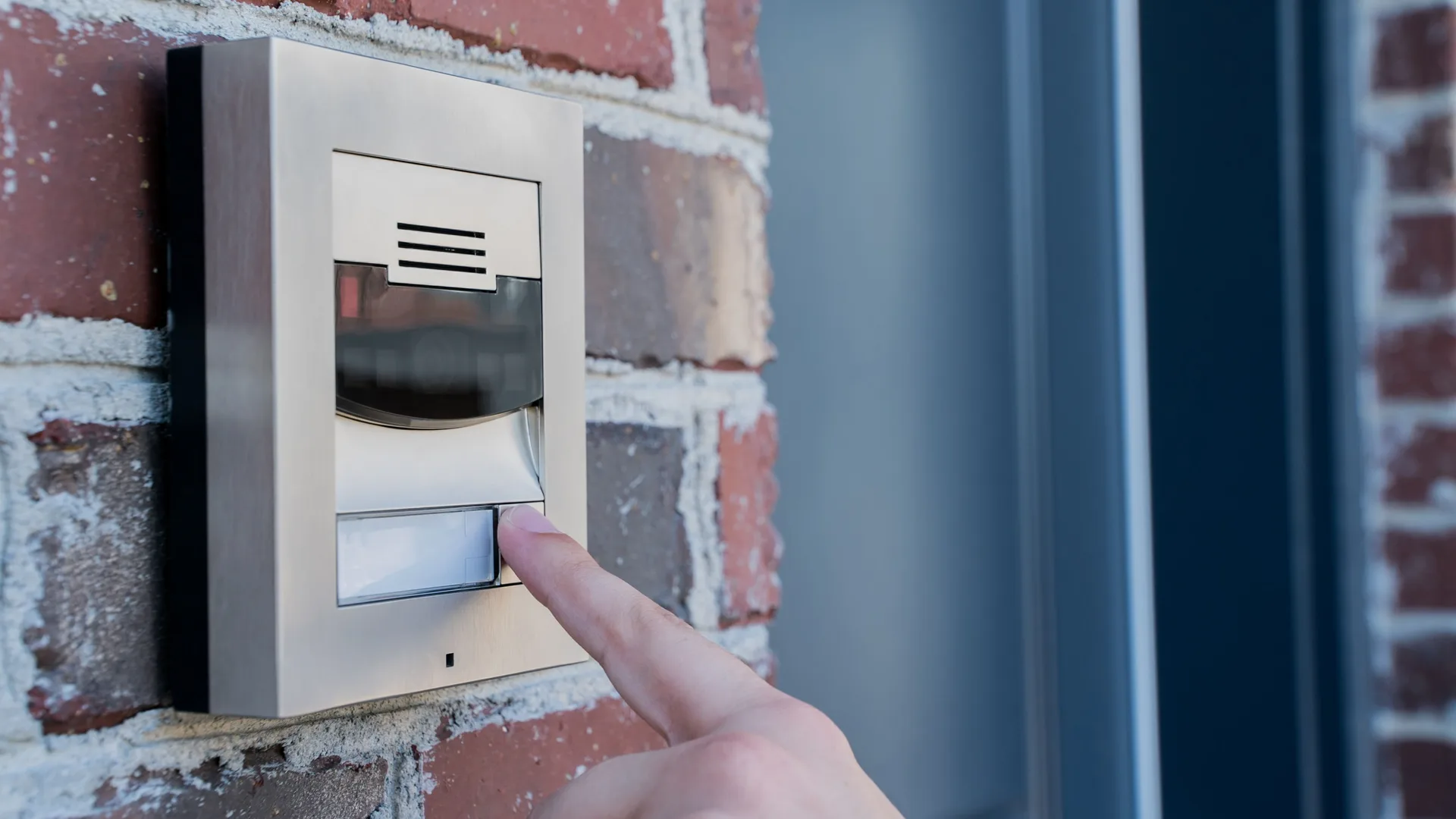
What are the 4 jobs a video doorbell has to do?
A video doorbell has to see, wake, send, and tell. If any 1 step is slow, you get a late alert or a clip of someone walking away.
Think of it like a relay race. The first runner is the motion sensor. It spots a person on the walk. The second runner is the camera waking up. The third is your Wi-Fi and internet carrying the video out of the house. The last runner is the app pushing an alert to your phone.
How do I tell which job is failing?
Compare 3 things: whether a clip exists, when the clip starts, and when your phone buzzed. That tells you which job broke.
Open your doorbell app and find the event list. Some brands call it History, Timeline, or Feed. Ring’s own help pages say to check Event History first for the true time of an event. Then match what you see:
- No clip at all. The doorbell never saw the person. That points to aim, zones, or sensitivity.
- Clip starts late, showing their back. The doorbell saw them but woke up or connected slowly. That points to battery sleep, power, or Wi-Fi at the door.
- Clip is choppy or freezes. The video is struggling to leave the house. That points to Wi-Fi or upload speed.
- Clip looks fine, but your phone buzzed minutes later. The doorbell did its job. Your phone or the app held the alert.
Is the doorbell not seeing people?
If there is no clip at all, the doorbell likely never noticed the person. Aim, height, zones, and sensitivity are the usual causes.
Many battery doorbells sense body heat, not the picture. The Arlo community explains it well: a heat sensor trips first, and only then does the camera start. Heat sensors notice people crossing their view more easily than people walking straight at them. So a long, straight front walk can be hard for them.
Here is what we see on job sites:
- Mounted on the wrong side of the door. In a lot of Wayne and Pequannock colonials, the button sits on the hinge side. The doorbell stares at the door frame, and people come from the other side.
- A zone that stops short. Someone drew the motion zone around the porch only. The person is in the zone for 2 seconds before they ring.
- Sensitivity turned down after a windy week of false alerts, and never turned back up.
Is the doorbell slow to wake up?
If the clip starts late, a battery doorbell is often waking up too slowly. It sleeps to save power, so the first seconds are lost.
A battery doorbell is like a person napping. It hears a noise, sits up, and looks. By then the delivery driver is halfway back to the truck.
A doorbell running on steady wall power can stay awake. Many brands then use the camera picture to spot motion, and some save a few seconds from before the motion. Arlo, for example, says its pre-roll works on wall power.
There’s a catch. Hooking a battery doorbell to the old doorbell wires does not always make it “always on.” A Reolink owner on Reddit learned his doorbell was only trickle charging from the wires. It still slept like a battery model.
In Montville and Kinnelon, we often find older homes where the doorbell transformer is tired or too small. The doorbell gets just enough power to blink, not enough to stay awake. Battery settings matter too. Ring calls it Motion Frequency. Lower settings make the doorbell “take a break” after each alert.
Not sure which camp yours falls in? See why your doorbell misses people, or call or text (973) 945-5275 and we’ll help you sort it out.
Is the doorbell slow to send the video?
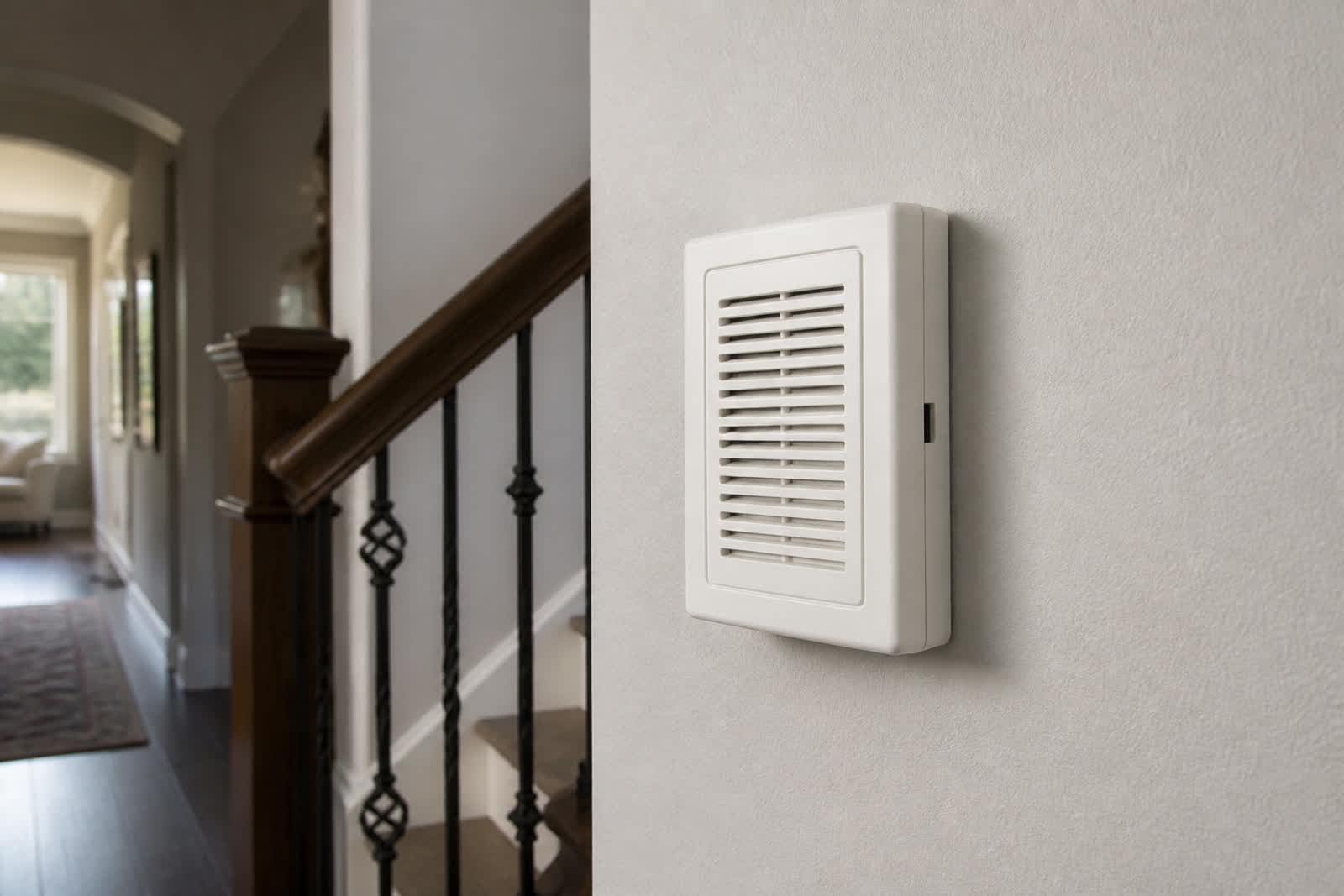
If the clip is choppy, freezes, or live view won’t load, the video is having trouble leaving the house. Weak Wi-Fi at the door or slow upload speed is usually why.
Download speed is what you pay for. Upload speed is what the doorbell uses. Many home internet plans have far less upload than download. If kids are on video calls and a backup is running, the doorbell waits in line.
Then there’s the walk from the router to the porch. The signal has to go through walls, and often through brick or a metal storm door. Most doorbell apps show a signal number. Check it while you stand at the door, not on the couch.
Is my phone the real problem?
If the clip starts on time but the alert came late, the doorbell did its job. Your phone, the app, or a setting held the alert.
Ring’s help pages list the usual ones: phone battery saver, Do Not Disturb, a VPN, and alerts turned off in the app.
A fast test: ask someone to stand at the door while 2 phones in the house are logged in. If 1 phone buzzes right away and the other is late, the doorbell is fine. Fix the slow phone.
Won’t any Wi-Fi doorbell work the same?
No. Doorbells sense, wake, and send in different ways, and the same doorbell acts differently from 1 house to the next.
The boxes look alike. Under the cover, they are not:
- Some sense heat. Some read the picture. Some do both, but only on wall power.
- Some save video from before the motion. Most battery models can’t.
- Some only use the crowded 2.4 GHz Wi-Fi band. Others can use 5 GHz.
- Some put person alerts or saved clips behind a paid plan.
Even the best doorbell can’t beat a weak signal through a brick front or a tired transformer. That’s why swapping brands often gives the same misses. We’ve seen families in Wayne buy 2 doorbells in a year and keep the same problem, because the problem was the porch Wi-Fi.
What can I check myself this week?
You can run this list in about 10 minutes. Write down what you find. It tells you which job is failing.
- Open the app’s event list. Find a recent visit you know about.
- Is there a clip? If not, check zones, sensitivity, and motion schedules.
- When does the clip start? Person walking up is good. Person at the door or leaving is late.
- Compare the clip time to the time your phone buzzed.
- Stand at the door and check the doorbell’s signal number in the app.
- Run a speed test on your phone at the door. Look at upload.
- Check whether the doorbell runs on battery, wires, or both. Look for an “always on” or wired mode.
- On your phone, check battery saver, Do Not Disturb, and alert summaries for the doorbell app.
- Walk your normal path to the door while someone watches live view. Note where you first appear.
- Look at the porch light at night. Is it shining right into the lens?
If steps 2, 3, and 9 look bad, it’s the doorbell setup. If steps 5 and 6 look bad, it’s the house network. If step 4 is the only problem, it’s the phone.
What can’t a fix do?
A good setup makes most misses go away, but not every one. Some limits are just how doorbells work.
- A battery doorbell that sleeps will always lose a little time. Wall power helps more than any setting.
- Doorbells are built to watch the porch. Aosu’s support team says this too. For a long driveway, a second camera does the job better.
- Glare from a bright porch light or low sun can wash out a face. We can aim and adjust, but sun moves.
- Cloud alerts depend on the brand’s servers and your phone’s maker. We can’t fix an app outage.
We’ll tell you which of these apply to your home before we touch anything.
Video doorbell questions
Why does my video doorbell record people walking away?
It is waking up or connecting too slowly. Battery doorbells sleep to save power, and weak Wi-Fi at the door adds more delay.
Why do I get the alert minutes after the clip?
Your phone or app is holding the alert. Check battery saver, Do Not Disturb, VPNs, and alert summaries on that phone.
Will wiring my battery doorbell fix late clips?
Sometimes. Some doorbells only trickle charge from the wires and still sleep, so check for a true wired or “always on” mode.
Does a faster internet plan help my doorbell?
Only if upload speed is the problem. Check the signal at the door first, because a weak signal won’t get better with a bigger plan.
Should I buy a new doorbell?
Usually not first. Find which job is failing, because a new doorbell on the same Wi-Fi and power often misses people too.
What One Sound Choice clients say
“We one a vacation home and were concerned with security when we are not there. 1 Sound Choice provided camera that allowed us to record all activity for a month and we could dial into the system from the internet. The system also will automatically flash lights inside the home to discourage intruders from entering.” — The Lavelle Family
“I have hired 1 Sound Choice on several occasions over the past 10 years for several projects (from minor implementations to a whole house system). Ryan and the team at 1 Sound Choice are consummate professionals – extremely knowledgeable and up to date with technology, focused on delivering the best solution to fit your need, and highly customer service oriented. This combination plus the quality of finished product (every time) have made me a loyal customer… I highly recommend 1 Sound Choice.” — Terry Maytin, Houzz
“Very efficient and professional. Knowledgeable of equipment and products suited for your space/home. Perfectionists at their job and get the task done in promised time.” — dmhajjar, Houzz
Towns we serve
We fix video doorbells for homes across Northern New Jersey.
- Morris County: Pequannock, Kinnelon, Mountain Lakes, Chatham, Mendham, Harding, and nearby towns.
- Bergen County: Wyckoff, Franklin Lakes, Ridgewood, Saddle River, Upper Saddle River, and nearby towns.
- Essex & Passaic: Montclair, Livingston, Short Hills, Wayne, Pompton Plains, and nearby towns.
- Somerset & Hunterdon: Basking Ridge, Bernardsville, Tewksbury, Clinton, Flemington, and nearby towns.
Want a doorbell that sees people walk up?
If your checklist points to the house, that’s the part we fix every week for families around Northern New Jersey. Read more on why your doorbell misses people, or call or text (973) 945-5275 for a free visit.
Meet Ryan

Ryan Herd, CEO of One Sound Choice. 30+ years designing reliable smart homes in Northern New Jersey. TEDx speaker, author, former Mayor of Pequannock Township.
]]>Yes. A smart lock is safe when you buy a good one and put it on a door that shuts right. It still has a strong deadbolt. You can give each person their own code, see who came in, and use a backup key if the battery gets low.
A lot of people tell us a regular key is safer. Then they tell us where the spare is. Under the mat. With the neighbor. In the fake rock by the steps.
So here is the real question. Are smart locks safe, and do they work every day?
Short answer: yes. A good smart lock on the right door, set up right, is a real lock. You also get to decide who comes in, and for how long.
Here at One Sound Choice, we set up smart locks for families in Pequannock, Wayne, Montville, Kinnelon, and nearby towns. This guide is what we walk them through at the front door.
On this page
- Are smart locks actually safe?
- Is a regular key really safer?
- How does a smart lock work day to day?
- What goes wrong with cheap smart locks?
- What should you check before you buy one?
- What are the honest limits?
- Smart lock questions
- Want a smart lock that just works?
- Meet Ryan
Are smart locks actually safe?
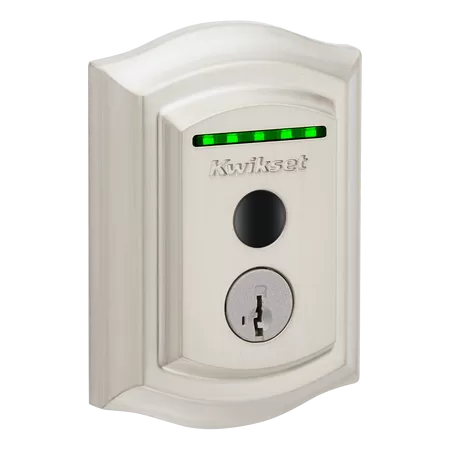
Yes. A good smart lock is a real deadbolt. The bolt slides into the door frame and holds the door shut, the same way your key lock does.
The motor just turns the bolt for you. You open it with a code, your phone, or on some models your fingerprint.
So the bolt is not the big difference. The big difference is who controls access. With a key, anyone holding a copy can get in. With a smart lock, you hand out codes. You can also take them back.
Most good smart locks still take a key, too. That key is your backup. It’s there if the batteries run down.
One tip when you shop. Look for an ANSI or BHMA grade on the box. That grade comes from outside testing of the bolt and the lock body. It does not rate the app. A lot of cheap no-name locks don’t list one at all.
Is a regular key really safer?
Not always. A key is only as safe as every copy of it, and most homes have more copies out there than anyone remembers.
Think about where your keys are right now:
- One under the mat or in a fake rock
- One with a neighbor
- One with the dog walker or the cleaner
- One from the contractor who redid the kitchen
- One the last owner never handed over
None of these people are bad guys. They are just keys that exist, in drawers and pockets you will never see.
You can’t turn a key off. To make old copies stop working, you need a locksmith to rekey the lock, or you need new locks.
A code works the other way. Each person gets their own. When the dog walker stops coming, you turn off that one code from your phone. Everyone else’s code keeps working. Nothing to collect. Nothing to hide.
Just moved in? If the house came with a smart lock, clear the old codes and the old app account. Then set it up fresh in your name. The backup key on a smart lock is still a key, so keep track of those copies too. Usually that means 1 or 2, not a drawer full.
How does a smart lock work day to day?
Mostly, you stop thinking about keys. The lock does its job, and you check on it when you want to.
Here’s a normal fall week with a good smart lock:
- The kids get off the bus and punch in their own code.
- You leave for work. The door locks behind you.
- The cleaner’s code works on the cleaner’s day.
- Your parents come for the weekend. You give them a code on Friday and turn it off Monday.
- You’re in bed and wonder if you locked up. You check your phone. Locked.
Many locks also keep a short history. You can see that the kids got in at 3:15. You can see the cleaner came Tuesday. You pick which alerts you want, so your phone doesn’t buzz 50 times a day.
No hunting for keys in the rain. No spare under the mat.
What goes wrong with cheap smart locks?
Most smart lock trouble comes from 3 things: the wrong lock, a door that doesn’t line up, or a rushed setup. Very cheap locks add a few problems of their own.
Here is what we find at front doors:
- The bolt rubs. The door sags a little, so the bolt drags on the frame. You don’t feel it, because the motor turns the bolt, not your hand. The motor works harder, and the batteries die in weeks instead of months.
- The bolt doesn’t go all the way out. The app says “locked.” The bolt is only part of the way into the frame.
- Weak Wi-Fi at the front door. The keypad works fine, but the app keeps saying “offline.” The front door is often the far end of the house from the router.
- No bridge or hub. Some locks talk to a small plug-in bridge near the door. If it’s missing or too far away, phone control comes and goes.
- One code for everybody. Same code for family, sitters, and the painter from 2 years ago. Never changed. That’s the spare key problem all over again.
- Auto-lock set wrong. Too fast, and you’re locked out getting the mail. Turned off, and it never locks at all.
- The app is on one phone. Only one person set it up. Nobody else sees the low-battery warning.
The cheapest no-name locks from online stores add 2 more. Parts can be loose and hard to replace. Support can disappear after the sale. That’s why we stick with brands that have real parts and real support.
None of this means smart locks are bad. It means the lock has to fit the door, and someone has to set it up right.
Not sure your door is a good fit? Call or text One Sound Choice at (973) 945-5275. You can also start on our smart lock page.
What should you check before you buy one?
Check the door first, then the lock, then the Wi-Fi, then the setup on every phone. This is the same list our team runs at every front door.
- Does the door close clean? No rubbing, no slamming, no shoulder push to latch it.
- Is it a real deadbolt-style lock? A bolt that goes into the frame, with a grade on the box.
- Strike plate and long screws. The metal plate on the frame should line up with the bolt. Long screws should reach past the trim into the framing behind it.
- Wi-Fi at the door. Test the signal standing on the porch, not in the kitchen. Find out if the lock needs a bridge.
- Codes. One per person, each with a name. You should know whose code is whose.
- Auto-lock time. Pick a time that fits how your family comes and goes. On locks with a door sensor, make sure it won’t throw the bolt into an open door.
- The app on every phone that needs it. Both parents, and anyone else who should get alerts.
- Batteries and a backup way in. Fresh batteries, a low-battery warning that reaches the right person, and a key or emergency power option.
Here’s a quick test you can do today. Open the door and turn the deadbolt by hand. Then close the door and turn it again. If it’s harder with the door closed, the bolt is rubbing. Fix that first. A smart lock won’t fix it for you.
Doors in Northern New Jersey move with the seasons, too. A wood door that closes fine in January can stick in a humid August. In older homes around Pequannock and Wayne, that’s why we check the strike plate and the hinges before a new lock goes on.
Have a storm door? Check that you can reach the keypad and that the lock body clears the glass when the storm door shuts. Some locks stick out too far.
What are the honest limits?
Smart locks are good, not magic. Batteries, Wi-Fi, and the door itself all set limits.
- Batteries. How long they last depends on the lock, the door, and how often it’s used. Most warn you before they die. Many also have an emergency power option on the outside. Fresh batteries before winter is a good habit, since cold is hard on them.
- Wi-Fi outages. On most keypad locks, the codes live in the lock. So the keypad keeps working when the internet is down. What you lose is phone control and alerts until the Wi-Fi comes back. On some models, codes set for certain days can pause while the lock is offline. We tell you how yours behaves.
- The wrong door. If the door is warped, drags, or doesn’t close clean, a smart lock won’t fix that. Sometimes the right fix is the door, not the lock.
- Electronics age. A plain deadbolt can last for decades. The electronic parts in a smart lock have a shorter life. Keep the backup key working, and plan to replace the lock someday.
- It’s a lock, not an alarm. A smart lock controls who gets in the door. It is not a full security system. If you want cameras or an alarm too, that’s a separate talk.
What One Sound Choice clients say
We one a vacation home and were concerned with security when we are not there. 1 Sound Choice provided camera that allowed us to record all activity for a month and we could dial into the system from the internet. The system also will automatically flash lights inside the home to discourage intruders from entering.
– The Lavelle Family (1 Sound Choice client testimonials)
The 1 Sound Choice staff was very easy to work with. Ryan, you understood our wants right from the beginning. Simplicity of installation and operation were just some of the reasons we chose 1 Sound Choice. You exceeded my expectations!
– Mr. & Mrs. Matia (1 Sound Choice client testimonials)
I have hired 1 Sound Choice on several occasions over the past 10 years for several projects (from minor implementations to a whole house system). Ryan and the team at 1 Sound Choice are consummate professionals – extremely knowledgeable and up to date with technology, focused on delivering the best solution to fit your need, and highly customer service oriented. This combination plus the quality of finished product (every time) have made me a loyal customer… I highly recommend 1 Sound Choice.
– Terry Maytin (Houzz review)
Smart lock questions
What happens if the battery dies?
You get a warning first on most smart locks. If you miss it, use the backup key or the lock’s emergency power option. Then put in fresh batteries.
What if my Wi-Fi goes out?
On most keypad locks, your codes still work. You lose phone control and alerts until the Wi-Fi is back.
Can I give someone a code and take it away later?
Yes. Give each person their own code with their name on it. When the job ends or the visit is over, turn that one code off from your phone.
Do I need a new door?
Usually not. We check how the door closes first. If it needs a fix before a lock goes on, we tell you.
Can I still use a key?
Yes, on most good smart locks. The key is your backup. Keep track of who has a copy.
Want a smart lock that just works?
If you want a lock that just works, we can help. Our team checks your door, picks a lock that fits your door and your phone, and sets up codes, auto-lock, alerts, and batteries before we leave.
See how we set up smart locks. Or call or text (973) 945-5275 for a free visit.
Meet Ryan
Ryan Herd is the CEO of One Sound Choice. He has spent 30+ years designing reliable smart homes in Northern New Jersey. He is a TEDx speaker, an author, and a former Mayor of Pequannock Township. More about Ryan.
One Sound Choice, 8 Tilley Ave, Pompton Plains, NJ 07444. Call or text (973) 945-5275. We work in homes across Morris, Passaic, Bergen, Essex, Somerset, and Hunterdon counties.
]]>Here at One Sound Choice, that is the family cybersecurity work we do in Northern New Jersey homes in Franklin Lakes, Upper Saddle River, Mahwah, North Caldwell, Pequannock, and across Morris, Bergen, and Essex. We map shared passwords, put wireless cameras on their own network when the house can support it, and put guests and kids’ friends on a guest network so visitors never sit on the same lane as your cameras.
On this page
- Is one password on every device risky?
- Why do homes end up with one password for everything?
- Isn’t my router password enough?
- Why should wireless cameras have their own network?
- Where should guests and kids’ friends sit on Wi-Fi?
- What does “use the whole keyboard” actually mean?
- What fails when people “just change the Wi-Fi password”?
- What does One Sound Choice check on a free visit?
- When should you call One Sound Choice?
- Family cybersecurity questions
- Meet Ryan
Is one password on every device risky?
Yes. Reusing one password across doorbells, cameras, TVs, and phones — and parking them all on one network — is the weak spot in a lot of Northern New Jersey homes.
Almost everything needs a password now. A Ring or similar video doorbell. Google Nest or floodlight cameras. Smart TVs. Family phones and tablets. They all ask for Wi-Fi during setup. The easy path is the same short string you already use for the main network. Before long, cameras and kids’ friends sit on the same lane as your everyday devices.
The fix is not another scary headline. The fix is a clear plan: passwords that use the whole keyboard, stay long, and do not get reused — plus separate networks where it matters.
Why do homes end up with one password for everything?
Because each new device asks for a password, and the easy path is to reuse the one you already typed for Wi-Fi.
Walk through a real setup day. The doorbell app wants Wi-Fi. The floodlight cam wants Wi-Fi. The new TV wants Wi-Fi, and the remote makes long passwords painful to type. A kid’s friend asks for the house password on Friday night. Nobody wants to invent a new long string four more times. So the same password lands on the main network, the Ring login, the Nest login, and three TVs.
New gadget → same password → same network. That pattern is normal. It is also how cameras and visitors end up next to phones and laptops on one flat lane. In Mahwah and North Caldwell homes we see the same story: the house grew one device at a time, and the password never got a real plan.
Isn’t my router password enough?
No. The router password is only the front door. Doorbells, cameras, and TVs still need their own strong logins — and cameras and guests should not share the main network by default.
The Wi-Fi key gets a device onto the network. It does not replace the account password on the doorbell app, the camera app, or the smart TV. If that same short string is also the Ring, Nest, and TV password, one weak string opens more than one door.
A strong router password still matters. It is just not the whole job — passwords and network splits, not “change the router password and hope.”
Why should wireless cameras have their own network?
Yes — wireless cameras should have their own network and their own password when the home can support it.
Cameras watch the door, the garage, and the yard. Guests and kids’ friends only need internet for a few hours. Those are different jobs. When cameras sit on the same SSID as weekend visitors, everyone shares one lane. A separate camera network keeps camera traffic off the guest lane and the everyday-device lane when the gear can host that split cleanly.
Cameras do not belong on the guest network either. Guest networks are for visitors. Camera networks are for your doorbells and floodlights. Putting cameras on guest “because isolation sounds good” can mix the wrong devices or break live view. Map first. Then place cameras on a camera SSID with its own password.
Where should guests and kids’ friends sit on Wi-Fi?
On a guest network with its own password — so visitors never sit on the same lane as your cameras.
Kids’ friends, weekend company, contractors, and visiting tablets all need the internet. They do not need to sit next to your wireless cameras on the main house network. A real guest SSID gives them a lane of their own. You still share Wi-Fi. You do not share the camera network.
Many Northern New Jersey routers already offer a guest option that nobody turned on — or the family still hands out the main password because it is easier. On the visit we check whether a guest network exists, whether it actually isolates, and whether the family will use it on a busy Friday night.
Want a clear map of passwords and networks at your house? Call or text One Sound Choice at (973) 945-5275. Or start on our one password every device page.
What does “use the whole keyboard” actually mean?
It means uppercase, lowercase, numbers, and symbols like !. Make the password long. Do not reuse it on every device.
Short clever passwords feel easy until you type them into five apps. Long passwords that mix letter cases, numbers, and a symbol are harder to guess and still usable when someone walks you through a plan the family can keep. “Whole keyboard” is Ryan’s plain-English rule after 30+ years in homes — not a scare phrase.
Do not reuse one password on Wi-Fi, the doorbell app, the camera app, and the TVs. Unique passwords for those doors, plus the network splits above, are the soft layered fix.
What fails when people “just change the Wi-Fi password”?
Changing only the main Wi-Fi password leaves the rest of the house alone — and often puts the same weak pattern right back in place.
The doorbell app login is still the old short string. Camera accounts stay reused. Smart TVs keep what they already saved. Kids’ friends may get the new key and land on the main network again because there is still no guest SSID. Cameras never moved to their own network. You changed one door and left the floor plan the same.
A password change without a map also creates chaos: half the house works, half asks for Wi-Fi again, and the family retypes whatever is easiest. That is why One Sound Choice maps first and fixes the highest-risk shares in order instead of flipping every setting on day one.
What does One Sound Choice check on a free visit?
We map what shares one password, what sits on which network, and what the house can support — then we walk a clear plan before anything changes.
On a free visit we check which devices still share one password; whether wireless cameras sit on the main network; whether a real guest network exists; weak or reused logins; what the gear can host for a camera SSID and a guest SSID; and which shares to fix first.
What you get: a map of what should be separated; stronger password rules that are still usable; cameras on their own network when the house needs it; a guest network for visitors; and a plain-English walkthrough with no scare tactics.
Honest limits: we do not demand you change every password tomorrow. We do not turn the visit into crime stories. If coverage, outdoor lighting, or a TV also need work, we say so plainly and keep this job clean.
When should you call One Sound Choice?
Call when one password runs across doorbells, cameras, TVs, and phones — when cameras and kids’ friends share the main network, when there is no real guest lane, or when you changed the Wi-Fi once and still do not know what to fix next.
- You call or text for a free visit at (973) 945-5275.
- Our team comes to the house and maps devices, passwords, and networks.
- We check camera vs main vs guest, weak or reused logins, and what your gear can support.
- You get a clear plan — what to separate first, what passwords to strengthen, and a next step you can actually use.
One Sound Choice works across Northern New Jersey — Morris, Bergen, Essex, Somerset, Passaic, and Hunterdon when it fits — including Franklin Lakes, Upper Saddle River, Mahwah, North Caldwell, and Pequannock. Existing homes welcome. Most visits are retrofits with the gear you already have when it still makes sense.
Ready for a clear password and network map? Call or text One Sound Choice at (973) 945-5275. Or start on our one password every device page.
What One Sound Choice clients say
We one a vacation home and were concerned with security when we are not there. 1 Sound Choice provided camera that allowed us to record all activity for a month and we could dial into the system from the internet. The system also will automatically flash lights inside the home to discourage intruders from entering.
– The Lavelle Family (1 Sound Choice client testimonials)
The 1 Sound Choice staff was very easy to work with. Ryan, you understood our wants right from the beginning. Simplicity of installation and operation were just some of the reasons we chose 1 Sound Choice. You exceeded my expectations!
– Mr. & Mrs. Matia (1 Sound Choice client testimonials)
Very efficient and professional. Knowledgeable of equipment and products suited for your space/home. Perfectionists at their job and get the task done in promised time.
– dmhajjar (Houzz review)
Family cybersecurity questions
Is one password on every device risky?
Yes. Reusing one password across doorbells, cameras, TVs, and phones is the weak spot. One Sound Choice maps those shares and sets stronger passwords plus separate networks where it matters.
Isn’t my router password enough?
No. The router password is only the front door; devices still need strong logins and smart network splits.
Should cameras have their own network?
Yes. Wireless cameras should have their own network and password when the home can support it.
What about guests and kids’ friends?
Put them on a guest network with its own password so they never sit on the same lane as your cameras.
Do I have to change every password tomorrow?
No. We map the house first and fix the highest-risk shares in a clear order.
Will you scare me with crime stories?
No. This campaign is informational — what fails, what we check, what you get.
How do we get started?
Call or text (973) 945-5275. Tell us which devices share one password. We set a free visit and walk the plan with you.
Meet Ryan
Ryan Herd started One Sound Choice more than 30 years ago and has worked in thousands of New Jersey homes. He is the former Mayor of Pequannock. He wrote Join the Smart Home Revolution. He has given a TEDx talk on aging in place and holds patents. He looks at how your family actually uses the house — doorbells, cameras, TVs, and phones — then the team maps passwords and networks that fit. Clear advice, clean work, easy to use.
He will look at which devices share one password, whether cameras and guests sit on the right lanes, and what a usable plan looks like for your router and your family — without scare tactics.
Is one password running across every device in the house? Call or text One Sound Choice at (973) 945-5275 for a free visit, or start on our one password every device page.
One Sound Choice, 8 Tilley Ave, Pompton Plains, NJ 07444. Call or text (973) 945-5275. We work in homes across Morris, Passaic, Bergen, Essex, Somerset, and Hunterdon counties.
]]>Here at One Sound Choice, that is the outdoor lighting we plan for Northern New Jersey homes in Franklin Lakes, Upper Saddle River, Mahwah, North Caldwell, Pequannock, and across Morris, Bergen, and Essex. We are an official FX Luminaire partner. Warm, aimed layers — house wash, path lights, and yard accents — not a stadium flood and not cheap stakes that make a great house look cheap.
On this page
- Why does a beautiful house look flat after dark?
- What is FX Luminaire outdoor lighting?
- Why does one floodlight make the dark feel worse?
- House wash, path lights, and yard accents — what is the difference?
- Where does the property fall flat first?
- What fails on real installs?
- Do you need light on every tree?
- Can outdoor lighting stay simple, or does it have to be “smart”?
- When should you call One Sound Choice?
- Outdoor lighting questions
- Meet Ryan
Why does a beautiful house look flat after dark?
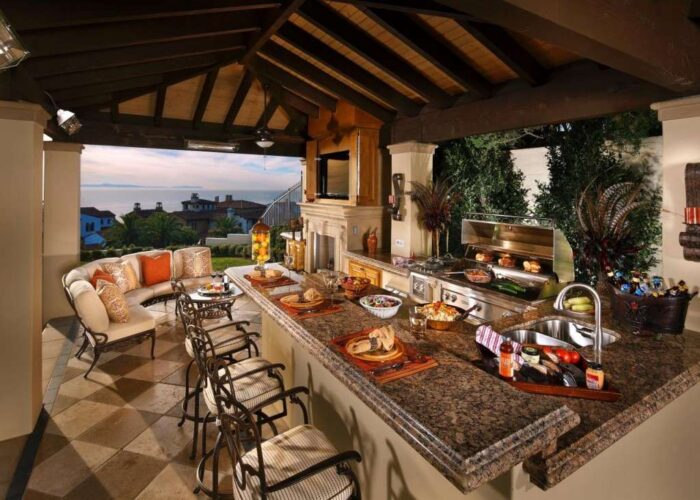
Because daytime curb appeal does not carry into night without a lighting plan. The stone, brick, trim, and beds you love in daylight disappear when the only light is a harsh porch bulb or one garage flood aimed wrong.
Pull into a Franklin Lakes colonial or an Upper Saddle River split after work. By day the face of the house has depth. After sunset it can read as a dark box from the street. The walks go soft. Guests fish for the first stair with a phone light. Northern New Jersey evenings drop early once September hits — dinner and the arrive-home moment land in real dark. A beautiful house that goes quiet then wastes the curb and the outdoor space you already own.
What is FX Luminaire outdoor lighting?
FX Luminaire builds professional landscape and architectural outdoor lighting — fixtures, transformers, and LED systems for layered residential work. Path lights, wall lights, and landscape accents. Low-voltage gear sized for professional install, not a single big-box flood.
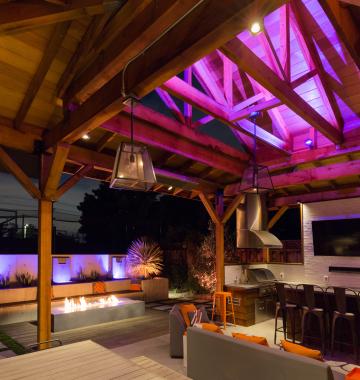
One Sound Choice is an official FX Luminaire partner. We use that gear on real Northern New Jersey homes. On our site you will already see FX product lines such as Radiance path fixtures and Luxor imagery from jobs and partner materials. Soft light on the house face, the walks, and the yard is the point — warm color, aimed beams, controls that come on near sunset.
Why does one floodlight make the dark feel worse?
A floodlight is bright in one spot. Looking into a bright source makes your eyes close down. Everything next to that glare looks even darker. The edges of the walk, the side of the house, and the yard feel worse than before you flipped the switch.
Neighbors notice too. Towns across New Jersey hear the same bedtime story: outdoor light dumping into a bedroom window. Bright and wrong is harder to live with than soft and right. Path light, house wash, and yard accent each do different work. One flood tries to do all three and fails.
If you already have a garage flood, we do not shame it. We ask what evenings should feel like, then show what FX Luminaire layers would cover — and when a short motion boost in one dark corner still makes sense.
House wash, path lights, and yard accents — what is the difference?
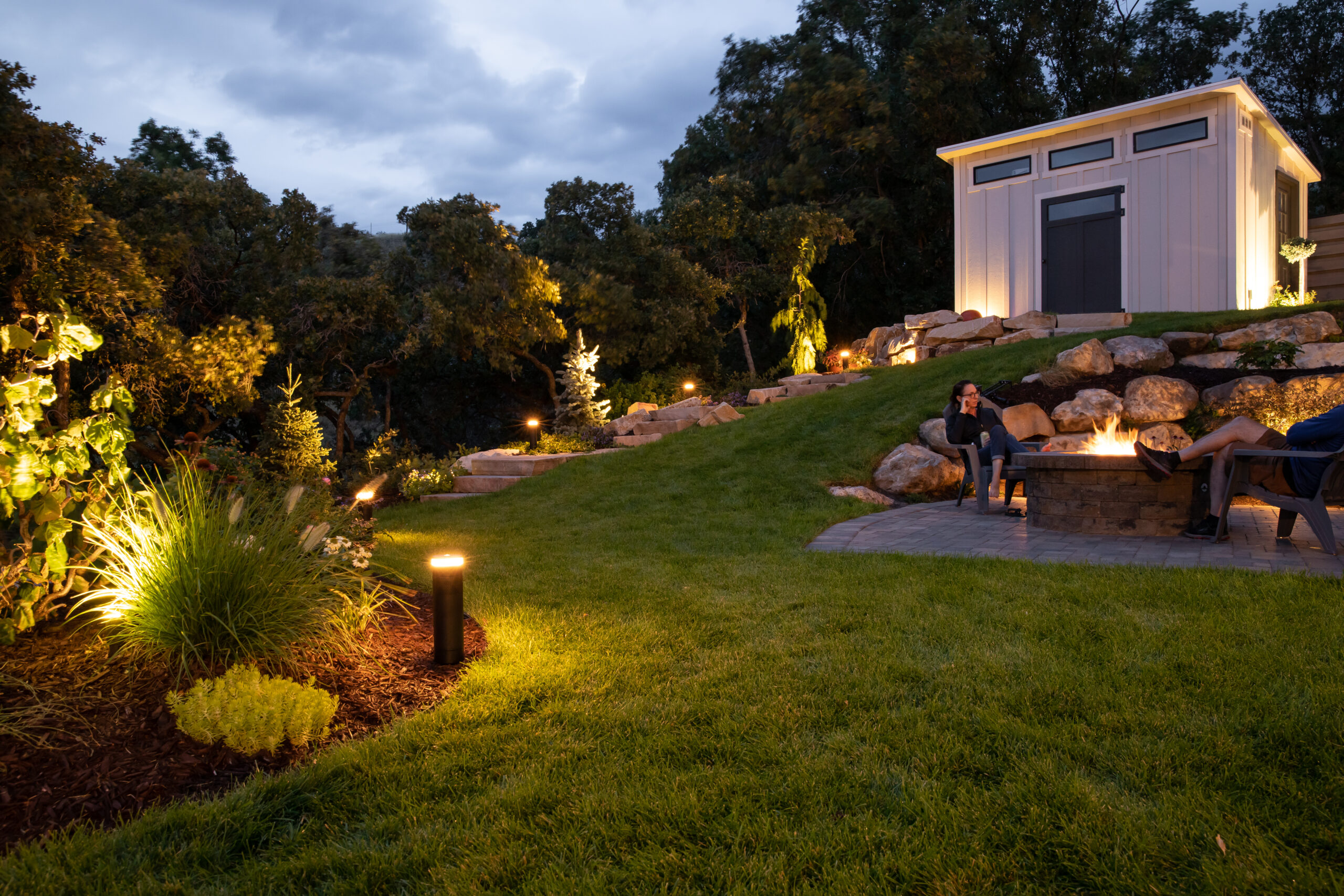
House wash soft light across the facade so the architecture still looks like your house after dark. Columns, stone, entry, and the lines you are proud of stay readable from the street. Not a blast. A wash you can aim and lock.
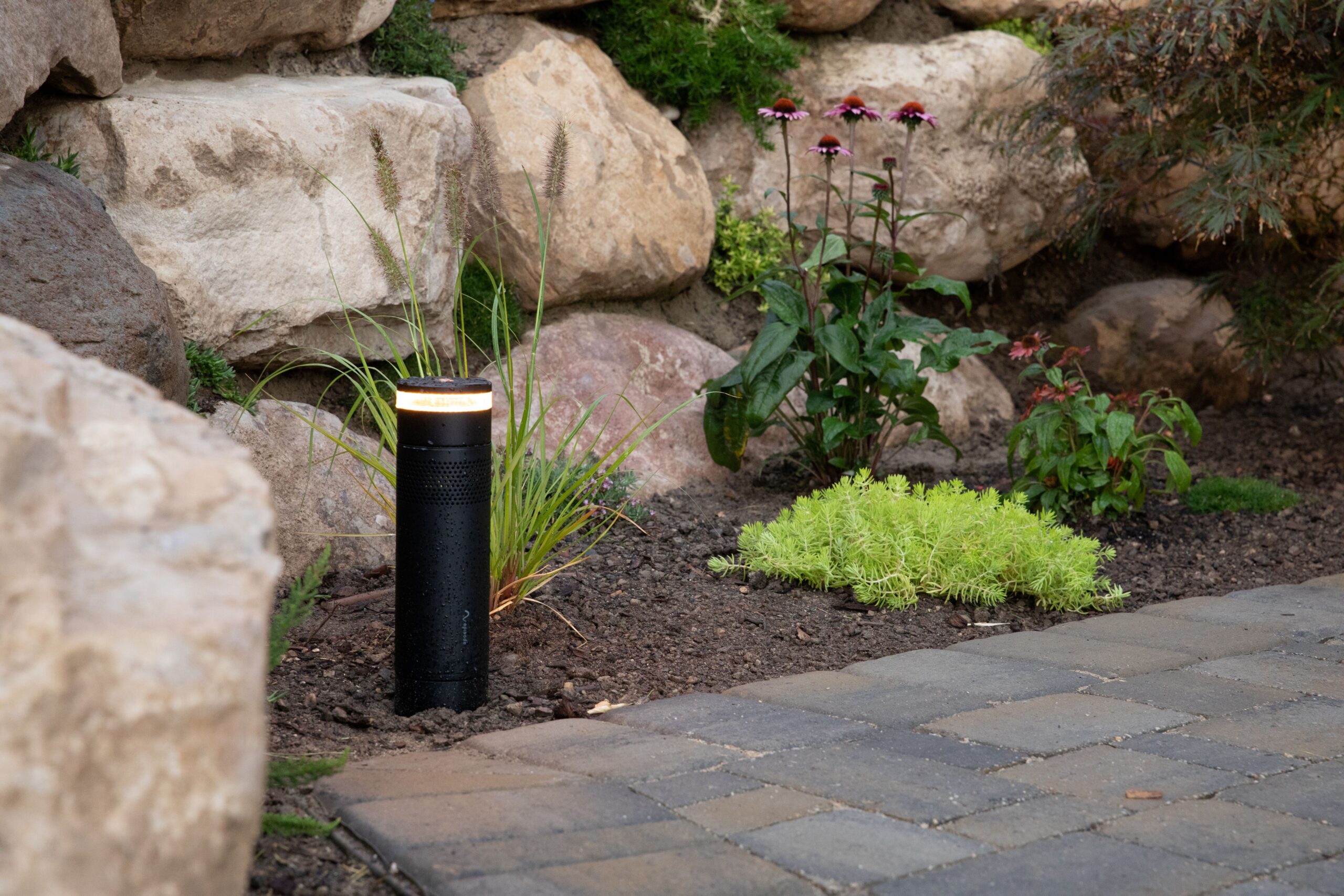
Path lights put light where feet go — front walk, steps, side route between house and fence. Guests should see the tread without a phone flashlight. Good path light points down onto the surface, not into your eyes.
Yard accents bring the patio, grill zone, and a few trees or stone features back so the backyard is a place to stay after dinner. Accents are selective. They create depth — not light every bush until the lot looks like a parking lot.
Those three jobs together give Northern New Jersey homes the vacation feel without one harsh lamp.
Want a clear plan for what falls flat first? Call or text One Sound Choice at (973) 945-5275. Or start on our outdoor lighting FX Luminaire page.
Where does the property fall flat first?
Most homeowners can name it in one sentence.
Front of the house. The facade you are proud of reads as a dark box from the street. Arrive-home feels empty, not welcoming.
Front walk and steps. Guests fish for the first stair. Delivery people and kids guess at edges.
Side path to the back. The route between house and fence becomes a tunnel after dark. Trash night and grill night both suffer.
Patio and yard. The backyard is open on paper and unused after dinner. You paid for outdoor living that stops at sunset.
On a Mahwah or North Caldwell visit we walk the real paths — not the brochure path — and say what FX Luminaire would light first and why.
What fails on real installs?
Most bad outdoor lighting is not bad bulbs. It is aim, height, wire size, and trying to light everything with one bright source.
Aim. A fixture pointed at a window or at eye level creates glare. Soft FX Luminaire light should land on the house face, the tread, or the tree — not in your neighbor’s bedroom.
Height. Path fixtures that sit too tall or too bright read as stakes in your face. House wash aimed wrong washes the wrong plane and leaves the entry dark.
Voltage drop. Far path lights go dim on long low-voltage runs with undersized cable or overloaded transformers. House accents can still look fine while the walk branch fails. We check transformers, splices, and distance before we promise a reuse plan.
Cheap stakes and cold light. Plastic solar rows and icy blue bulbs make a beautiful house look temporary. Warm, aimed layers do the opposite. A smaller FX Luminaire design that works beats a catalog dump that never gets finished.
What we check: real after-dark paths; the face of the house; existing fixtures and dim far lights; property lines and windows; how you want evenings to feel; and whether controls stay simple or later join whole-home scenes.

Do you need light on every tree?
Usually no. Light the house face and the routes first. Accents on a few trees or stone come after the property works at night.
Homeowners often ask for more lights when the real fix is better layers. Too many uplights at full blast can make a colonial look busy and flat at the same time. Architecture and paths first, then a few yard accents that earn their keep. If the side path is the nightly trip hazard, that path wins before a third maple gets an uplight.
Can outdoor lighting stay simple, or does it have to be “smart”?
It can stay simple. Timers and a sunset clock are enough for many homes. Lights come on near dusk, calm down later, and nobody fights an app at bedtime.
If you already have whole-home control, outdoor lighting can join those scenes later. FX Luminaire systems include options from basic transformers to zoning and dimming when a home wants that. Day one does not have to be a science project.
Honest limits: lighting will not replace a camera, fix porch Wi-Fi, or flatten an icy walk. It will make the property usable and welcoming after dark — soft FX Luminaire light on house, paths, and yard. If cameras, Wi-Fi, or steps also need work, we say so plainly.
When should you call One Sound Choice?
Call when the beautiful house falls flat at night and you want evenings to feel like vacation again — when guests need a phone light for the first stair, the patio goes unused after dinner, or one flood is the only plan and the edges still feel worse.
- You call or text for a free consult at (973) 945-5275.
- Our team comes to the house — or reviews clear night photos of where it goes flat.
- We check house face, paths, yard, existing gear, and neighbor windows.
- You get a clear FX Luminaire plan — what to light first, what to leave quiet, and a next step.
One Sound Choice works across Northern New Jersey — Morris, Bergen, Essex, Somerset, Passaic, and Hunterdon when it fits — including Franklin Lakes, Upper Saddle River, Mahwah, North Caldwell, and Pequannock. Existing homes welcome.
Ready to bring the house, paths, and yard back after dark? Call or text One Sound Choice at (973) 945-5275. Or start on our outdoor lighting FX Luminaire page.
What One Sound Choice clients say
The 1 Sound Choice staff was very easy to work with. Ryan, you understood our wants right from the beginning. Simplicity of installation and operation were just some of the reasons we chose 1 Sound Choice. You exceeded my expectations!
– Mr. & Mrs. Matia (1 Sound Choice client testimonials)
I’d (tell others) that Ryan’s very professional and very easy to work with, in terms of budgeting and listening to what you want to have done. He never pushed us toward anything we couldn’t afford or didn’t want and he got the job done on time.
– Mr. & Mrs. DeSantis (1 Sound Choice client testimonials)
I have hired 1 Sound Choice on several occasions over the past 10 years for several projects (from minor implementations to a whole house system). Ryan and the team at 1 Sound Choice are consummate professionals – extremely knowledgeable and up to date with technology, focused on delivering the best solution to fit your need, and highly customer service oriented. This combination plus the quality of finished product (every time) have made me a loyal customer… I highly recommend 1 Sound Choice.
– Terry Maytin (Houzz review)
Outdoor lighting questions
Does outdoor lighting help if my beautiful house falls flat at night?
Yes. Soft FX Luminaire layers on the house, paths, and yard bring the property back after dark without one blinding floodlight.
Why FX Luminaire instead of random path lights from a big box?
FX Luminaire is built for architectural and landscape outdoor lighting. One Sound Choice is an official partner — we use their gear and partner photos on real Northern New Jersey homes.
Is one floodlight on the garage enough?
No. One bright flood creates glare and leaves edges dark. House wash, path, and yard lights do different jobs.
Will bright lights bother my neighbors?
They can if they are aimed wrong. We shield and aim fixtures so light stays on your walks and house, not in bedroom windows.
Can you work with what I already have?
Often yes. We check existing fixtures and transformers first. Sometimes we re-aim and reuse. Sometimes we replace the worst offenders with FX Luminaire and keep the rest.
Do the lights have to be “smart”?
Not on day one. Timers and a sunset clock are enough for many homes. If you already have whole-home control, outdoor lighting can join those scenes later.
How do we get started?
Call or text (973) 945-5275. Tell us where the house falls flat at night. We set a free consult and walk the FX Luminaire plan with you.
Meet Ryan
Ryan Herd started One Sound Choice more than 30 years ago and has worked in thousands of New Jersey homes. He is the former Mayor of Pequannock. He wrote Join the Smart Home Revolution. He has given a TEDx talk on aging in place and holds patents. He looks at how your family actually uses the property after dark. Then the team designs FX Luminaire lighting that fits — clear advice, clean work, easy to use.
He will look at where the beautiful house falls flat at night, what is already installed, and what FX Luminaire would bring back — soft light on house, paths, and yard — without blinding the street.
Does your beautiful house fall flat after dark? Call or text One Sound Choice at (973) 945-5275 for a free consult, or start on our outdoor lighting FX Luminaire page.
One Sound Choice, 8 Tilley Ave, Pompton Plains, NJ 07444. Call or text (973) 945-5275. We work in homes across Morris, Passaic, Bergen, Essex, Somerset, and Hunterdon counties.
]]>Still on a 55-inch? Soft picture. Thin sound. Hard streaming. Imagine a big beautiful 4K — 75, 98, even 115 inches — with sound that hits. That is game day glory. Size, wall, glare, stream path, and sound tradeoffs follow.
On this page
- Why does that old TV feel too small now?
- What happens when an old TV quietly fails streaming?
- Why can't TV speakers fill a family room?
- What size fits — 75, 98, or 115?
- How do seats, screen, and sound work together?
- Soundbar or room-matched speakers — which tradeoff?
- Should you DIY the mount or call a pro?
- What does One Sound Choice check on a visit?
- Where does One Sound Choice do this work?
- Family room game-day questions
- Meet Ryan

Why does that old TV feel too small now?
Kickoff hits. Half the room leans forward. Faces on the sideline stay soft. You bought that 55-inch years ago for a smaller room — or a smaller habit. Today the family room wall is bigger. Seats are farther back. Streaming apps push 4K. The set cannot keep up. You are not picky. The screen is just outgrown.
On existing Northern Jersey homes we see the same story. A Franklin Lakes great room grew a deeper sofa. A Short Hills remodel opened the wall. A Pequannock basement became guest overflow. The old panel stayed. On Sunday it looks like a tablet on a barn wall.
Outgrown means soft picture, thin sound, and hard streaming. Fix only one and game day stays half-broken.
What happens when an old TV quietly fails streaming?
When some apps still play and others will not, the TV is often too old for the new app — not a mystery Wi-Fi fight. That is the quiet fail. YouTube works. Netflix works. Then Disney Plus (or a news app) will not stream after the service updates. Guests wait. Kickoff slips.
We just saw it on a real job. The client had a 55-inch they used for streaming. YouTube and Netflix were fine. Disney Plus would not stream. Another news network app would not either. Root cause: the TV was too old. After Disney Plus updated their app, it was not compatible with that set.
One Sound Choice installed a new 65-inch 4K. Beautiful. Now every app streams — Disney Plus, the news app, the ones that already worked. The upgrade fixed stream compatibility and sharpened the picture.
A 65-inch proves a newer set restores the apps you need. For many Northern New Jersey family rooms on game day, the aspiration is still bigger — 75, 98, or even 115 inches when the wall and seats allow. An outdated TV can fail streaming long before the panel “dies.” We also check the path from router to TV when signal is the issue — wired when it should be wired, strong Wi-Fi when wireless is enough. Kickoff should be kickoff — not a tech fight.
Want the room ready before the next Sunday? Call or text One Sound Choice at (973) 945-5275 for a free consult. Or start on our family room game day page.
Why can't TV speakers fill a family room?
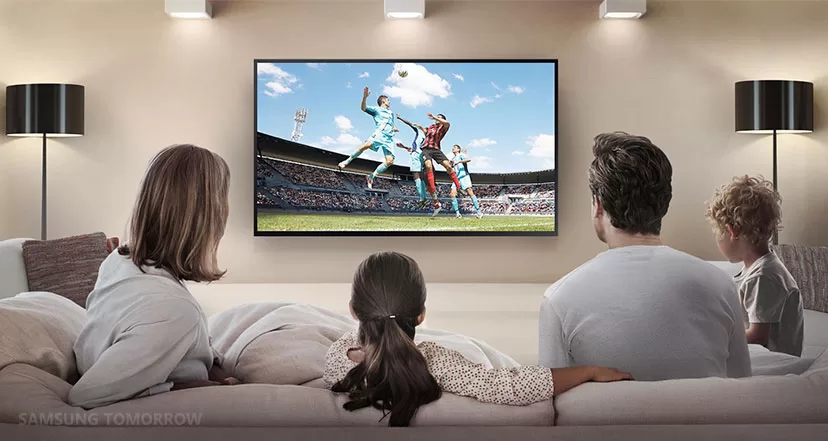
Crowd roar turns into hiss. The announcer is loud one second and gone the next. People on the couch talk over the play because they cannot hear it. Built-in TV speakers fire down or back into the wall. Turning the volume up makes everything louder, not clearer.
A tiny soundbar under a big screen beats bare TV speakers, but it may not cover the back row. Real game-day sound means speakers matched to the seats — front, sides when the room allows, and bass so kickoffs feel in the room. We listen in your room, then place and tune so everyone on the sofa hears the same game.
What size fits — 75, 98, or 115?
The right size is wall width, how far you sit, and how the room feels when the whole family piles in. Many Morris, Bergen, and Essex family rooms were built for a bigger picture than they have. Still on a 55? Often the wrong size — even when a newer mid-size set already fixed streaming.
75 inches is a clear step up from 55. Sharp 4K. Fits many family rooms — often right at about 8 to 10 feet of seating distance.
98 inches is big and beautiful. Faces, logos, and replays fill the room. Needs more wall width and usually 10-plus feet of viewing distance.
115 inches is true game-day glory when the wall and seating support it. We measure, mock the size on the wall, and tell you what mounts clean — not a showroom guess.
How do seats, screen, and sound work together?
Game day is the sofa, the chairs that get dragged in, the kids on the floor, and someone in the next room who still wants to hear the score.
We look at where people actually sit. Then we size the TV for that view and place sound so the back row is not left out. Glare matters too — a beautiful 4K is wasted if afternoon sun washes it out. South- and west-facing rooms often need shades in the same plan as the mount.
Wall, mount, viewing distance, speakers, power, cables, and the streaming path belong in one plan — not five shopping trips.
Fireplace mounts look clean in listings. They often lift necks and the sound with them. Heat is another risk. If the mantel is the only wall that works, we talk tilt or pull-down — and whether a nearby wall feels better. Bob, an One Sound Choice client, had a giant 85-inch that barely fit above the fireplace. Ryan made it work and look great.
Soundbar or room-matched speakers — which tradeoff?
A strong soundbar plus sub is simple, fast, and better dialogue than TV speakers. The tradeoff: less stadium wrap, and a tiny bar under a 98- or 115-inch can still feel small for the back row.
Room-matched speakers fill the seats — front stage, surrounds when the layout allows, bass that fits the room. The tradeoff: more placement work so the family room still looks like a family room.
Honest middle path: bar and sub this season if walls are closed; wire for surrounds if a remodel is open. Do not buy surrounds to fix a TV that is too high or apps that will not load on an old set.
Should you DIY the mount or call a pro?
DIY can work for a lighter set on clear studs with a fixed mount and power already behind the wall. You own the risk if studs, VESA screws, or in-wall cable are wrong.
Call a pro at 75 inches and up — and almost always at 98 or 115. Plaster, stone, full-motion arms, pull-down mantel mounts, hidden power, HDMI paths, shades, and sound in the same day are pro jobs. A store “mount included” often means a bracket in a box — not eARC done right or a safe load path over kids on the floor.
Phoebe DeSantis, an One Sound Choice client, pointed to dedication and flawless work. Mr. and Mrs. Matia chose One Sound Choice for simplicity of installation and operation.
What does One Sound Choice check on a visit?
We look at your family room first. Then we tell you what fits. Most jobs are existing Northern Jersey homes — not blank new builds.
- You call or text for a free consult at (973) 945-5275.
- Our team comes to the house.
- We check wall, seats, sound, streaming, and glare.
- You get a plan — size, sound, and a clear next step.
On site we sit where you sit. We note fireplace height, glare at game time, which apps open on the current set, and whether Wi-Fi holds when the house is full. We check if a soundbar is enough or if room-matched speakers belong in scope.
One pattern: a family kept a 55-inch on a wall that wanted 98. Another: the set still powered on, but Disney Plus (and a news app) would not stream after the apps updated — until a new 4K went on the wall. Same missing step — seats, screen, sound, and stream planned together before kickoff.
Where does One Sound Choice do this work?
One Sound Choice works across Northern New Jersey. Morris, Bergen, Essex, Somerset, Passaic, and Hunterdon counties. Towns like Franklin Lakes, Wyckoff, Short Hills, and Pequannock. Colonials, split-levels, open great rooms, and finished basements all show up. Existing homes welcome.
What One Sound Choice clients say
(following their Open House and Daughter’s Birthday Party, Mike Deyong sent 1 Sound Choice, LLC, an e-mail saying): “FYI, the party went off without a hitch. I was doing demos all day. I had to wipe everyone’s chins off the floor. People were shocked and awed. If I had a nickel for each ‘unbelievable’, ‘incredible’ and ‘breathtaking’ that I heard, I could build another theater.”
– Mr. & Mrs. Deyong (1 Sound Choice client testimonials)
The 1 Sound Choice staff was very easy to work with. Ryan, you understood our wants right from the beginning. Simplicity of installation and operation were just some of the reasons we chose 1 Sound Choice. You exceeded my expectations!
– Mr. & Mrs. Matia (1 Sound Choice client testimonials)
We hired Ryan and Ken to build a theatre room for us back in 2008. They did an excellent job and have been terrific all of these past 5 years in providing us with service, updates and recommendations along the way as we’ve needed them. I would highly reccomend them to anyone looking for professional A/V services.
– gballotti (Houzz review)
Family room game-day questions
Is a 55-inch TV too small for a family room?
Often yes. On a big wall with seats eight to twelve feet back, a 55-inch looks small and soft. Many Northern New Jersey family rooms fit a 75, 98, or even 115-inch 4K much better.
What TV size fits my wall — 75, 98, or 115?
We measure the wall, viewing distance, and seating. Then we tell you what size looks right and mounts clean. No guesswork from a store aisle.
Why does game-day sound feel thin?
Built-in TV speakers cannot fill a family room. Crowd noise, play calls, and music need real speakers placed for the seats you use — not a tiny bar that cannot keep up.
Why do some streaming apps work and others fail on an old TV?
Often the TV is too old for the updated app. We saw YouTube and Netflix work while Disney Plus and a news app would not — until a new 65-inch 4K went in and every app streamed. We also check Wi-Fi and wiring when signal is the issue.
Do you only work in new construction?
No. Most of our work is existing homes in Morris, Bergen, Essex, and nearby counties. We design around your wall, your seats, and your weekend.
How do we start?
Call or text (973) 945-5275 for a free consult. You can also use the family room game day page.
Meet Ryan
Ryan Herd started One Sound Choice more than 30 years ago and has worked in thousands of New Jersey homes. He is the former Mayor of Pequannock. He wrote Join the Smart Home Revolution. He has given a TEDx talk on aging in place and holds patents. He looks at your family room first. Then he tells you what size and sound make sense.
Is your family room ready for the game? Call or text One Sound Choice at (973) 945-5275 for a free consult, or start on our family room game day page.
One Sound Choice, 8 Tilley Ave, Pompton Plains, NJ 07444. Call or text (973) 945-5275. We work in homes across Morris, Passaic, Bergen, Essex, Somerset, and Hunterdon counties.
]]>The pain shows up on a normal weeknight. Homework is going. Someone wants the game on. The porch lights are wrong. The thermostat fight starts. You unlock your phone. Wrong app. Try again. Dig under the couch for a remote. That scramble is the problem. The gadgets are not.
On this page
- What does a four-app weeknight look like in Northern Jersey?
- Why does the house end up with so many apps and remotes?
- What friction shows up before anyone watches the game?
- Why don't you want an app to watch TV?
- Is Control4 the same as Apple Home, Google, or Alexa?
- What does One Sound Choice check on a free consult?
- What still needs a visit, not a store kit?
- Is this only for brand-new mansions?
- Where does One Sound Choice do this work?
- Apps and remotes questions
- Meet Ryan
What does a four-app weeknight look like in Northern Jersey?
Picture a Tuesday in Wyckoff or Short Hills. Kids have homework at the table. Someone wants football or a stream on. You want porch lights on before the late commute pull-in. The house is cold in one room and warm in another. Cameras need a quick look because the dog set them off again.
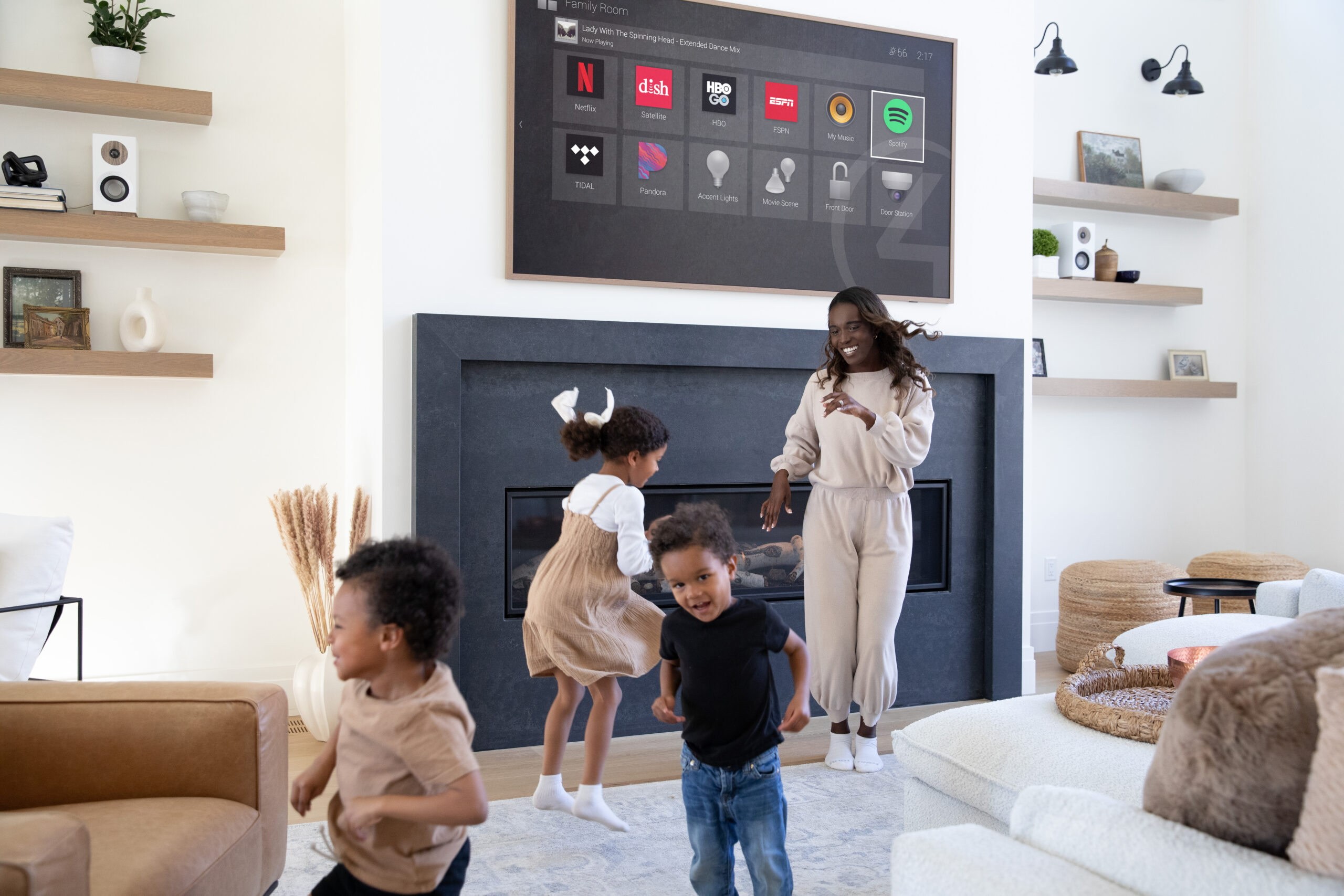
In that house, lights live in one app. The thermostat lives in another. Locks and cameras live in a third. Music or the TV stick lives in a fourth. Plus remotes for the TV, the sound, Apple TV or the stick, and maybe cable. Four taps and a coffee-table hunt for one simple night.
We see this pattern a lot on existing Northern Jersey homes. A Franklin Lakes kitchen got a smart oven during a remodel. A Pequannock basement got a new TV and stick later. Cameras went on the year school pickup got harder. None of those boxes talked to each other. The family did not buy four jobs. They bought one house.
Why does the house end up with so many apps and remotes?
Because each new thing brought its own app. Or its own remote. This is not four gadgets. This is a pile.
Hot tub. Pool. Sprinkler system. Lighting. Heating and air. Cameras. Doorbell camera. Locks. Garage. TV. Apple TV. Streaming sticks. Cable or satellite box. Surround sound or receiver. Soundbar. Whole-home audio. Motorized shades. Fireplace. Oven or range. Thermostat.
And that list still grows. Holiday music zones. A summer hot tub app. A winter thermostat fight. Older colonials in Morris, Bergen, and Essex layer gear year by year. The phone fills up. The drawer fills up. Guests cannot run the room. Kids guess wrong.
What friction shows up before anyone watches the game?
Start with the phone pile. Wrong icon. Dead login. An update moved a button. Wi-Fi is fine in the living room and weak at the porch camera. You wanted one look at the driveway. You got three apps and a refresh loop.
Then the remotes. Volume on one. Input on another. Apple TV on a third. Soundbar on a fourth. Someone sits on the wrong clicker. The stick remote has no backlight. The phone battery is at 4% when the game starts.
Cross jobs fail next. Lights with a door open. Music off for a movie. Away for lights, locks, and thermostat together. Brand apps do their own job. They do not share one simple path for the family.
What if the game is on and company walks in? Guests ask which remote. Kids ask which app. You become the help desk in your own house. That is the friction inventory. Not one broken gadget. A house that never got one control layer.
Why don't you want an app to watch TV?
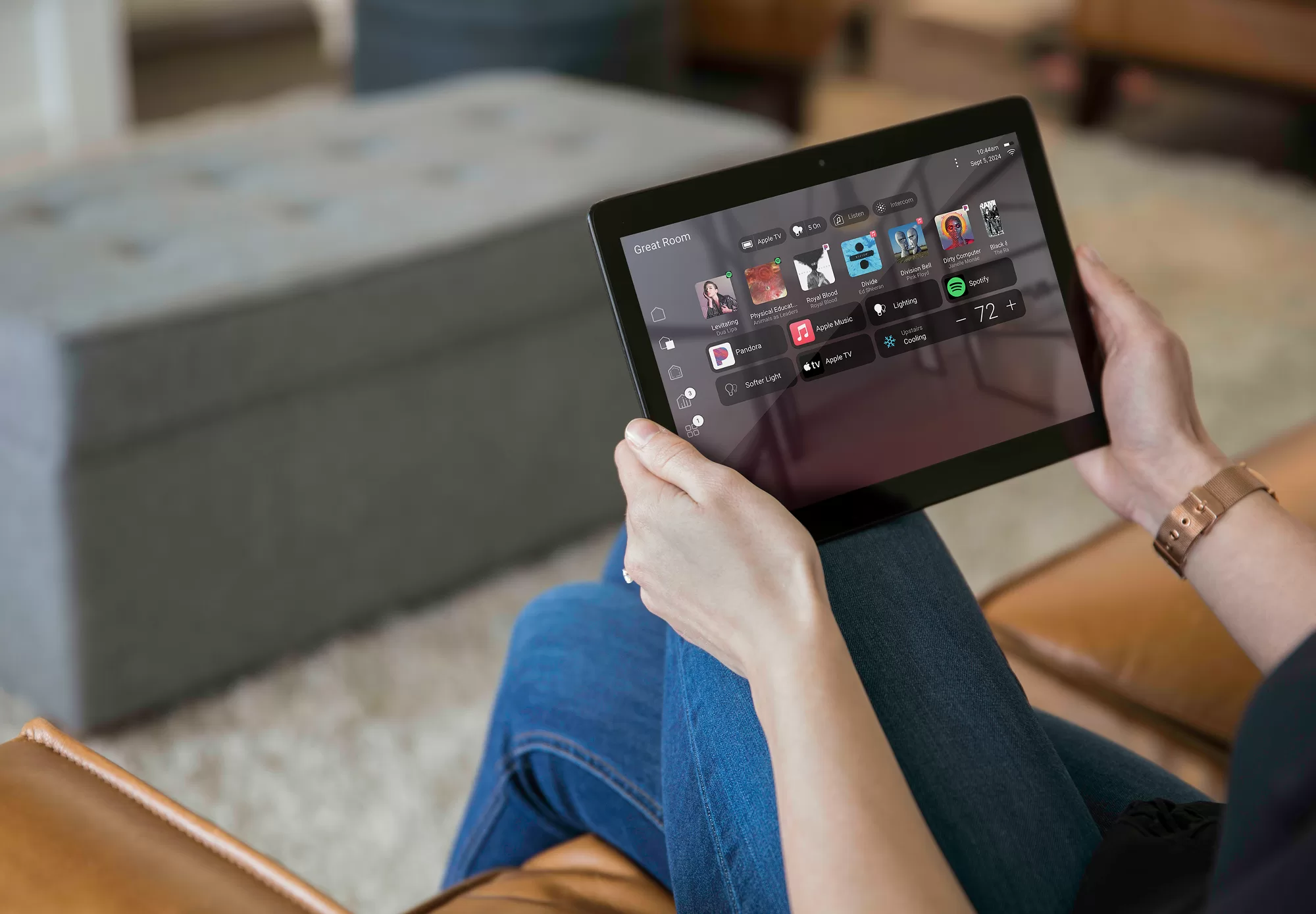
You do not want an app to watch TV. You want a remote. Real buttons. You can feel them when the lights are off.
Opening a phone to move volume is slow. Same for surround sound. Same for Apple TV. You look at the phone. Then the screen. Then the phone again. Notifications pop mid-play. Unlock fails. Battery dies.
Buttons are faster. Muscle memory. No unlock. No dead battery mid-show. Keep the phone for driveway cameras, away lights, and the moments you are not on the couch. TV night is a hand-and-buttons job.
Tired of the scramble on a normal night? Call or text One Sound Choice at (973) 945-5275 for a free consult. You can also start on our too many remotes page.
Is Control4 the same as Apple Home, Google, or Alexa?
No. Those tools help. They are not the same job as a Control4 system built for the whole house.
Apple Home, Google Home, and Alexa help when your gear already lives in one brand world. Voice is handy. The tradeoff: cameras often stay awkward, TV rooms still collect remotes, and guests still need a lesson. Cross-brand jobs get sticky.
Control4 is the system One Sound Choice installs so one easy system runs the house. One real remote for the TV room. One app when you need the phone. Pool, lights, heat, cameras, oven, shades, and more can sit in that one layer. Scenes like Dinner, Away, Bedtime, Patio, and Movie are named for how you live, not for brand logos.
Honest limits matter. Not every cheap Wi-Fi gadget joins cleanly. Some Nest or Ring pieces can join. Some stay in their own app for firmware or deep settings. We say which is which after we see the house. We do not promise a miracle sticker over a messy network. The visit is how we avoid that.
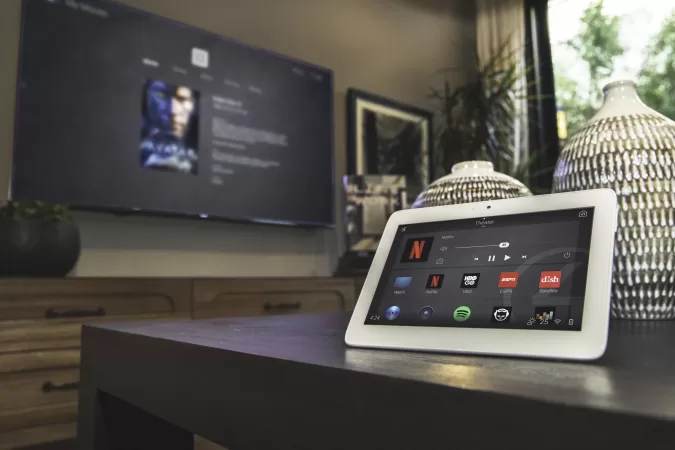
What does One Sound Choice check on a free consult?
We start with your house, not a product page.
- You call or text for a free consult.
- Our team comes to the house.
- We check apps, remotes, the TV room, and the whole house.
- You get a plan for one easy system that fits that home.
On the visit we inventory what you open most. Lights. Thermostat. Locks and cameras. Music and TV. Patio and hot tub if you have them. We watch how the family actually runs a night, not how a brochure says you should. We note dead remotes, weak porch Wi-Fi, and rooms where a wall keypad would beat a phone.
Then we map a clear next step. What joins Control4 now. What can wait. What stays native for updates. What needs a better network first. You leave with plain words, not a binder full of SKUs.
What still needs a visit, not a store kit?
A store kit cannot see your coffee-table remote pile. It cannot feel how dark the TV room is during a movie. It cannot test whether the porch camera drops when everyone streams homework video.
We still need a visit for rack space, clean power, Wi-Fi dead zones, and which inputs the real remote must own. Existing homes hide surprises in finished basements and old plaster. Holiday lighting loads and whole-home audio both change the plan. That is why we look first. Then we tell you what fits.
One pattern we see: a family already unified lights in one brand app, then still hunted three remotes for football night. Another pattern: cameras looked fine in their own app, but nobody could hit Away for lights, locks, and thermostat in one tap before a weekend trip. Different gear. Same missing layer.
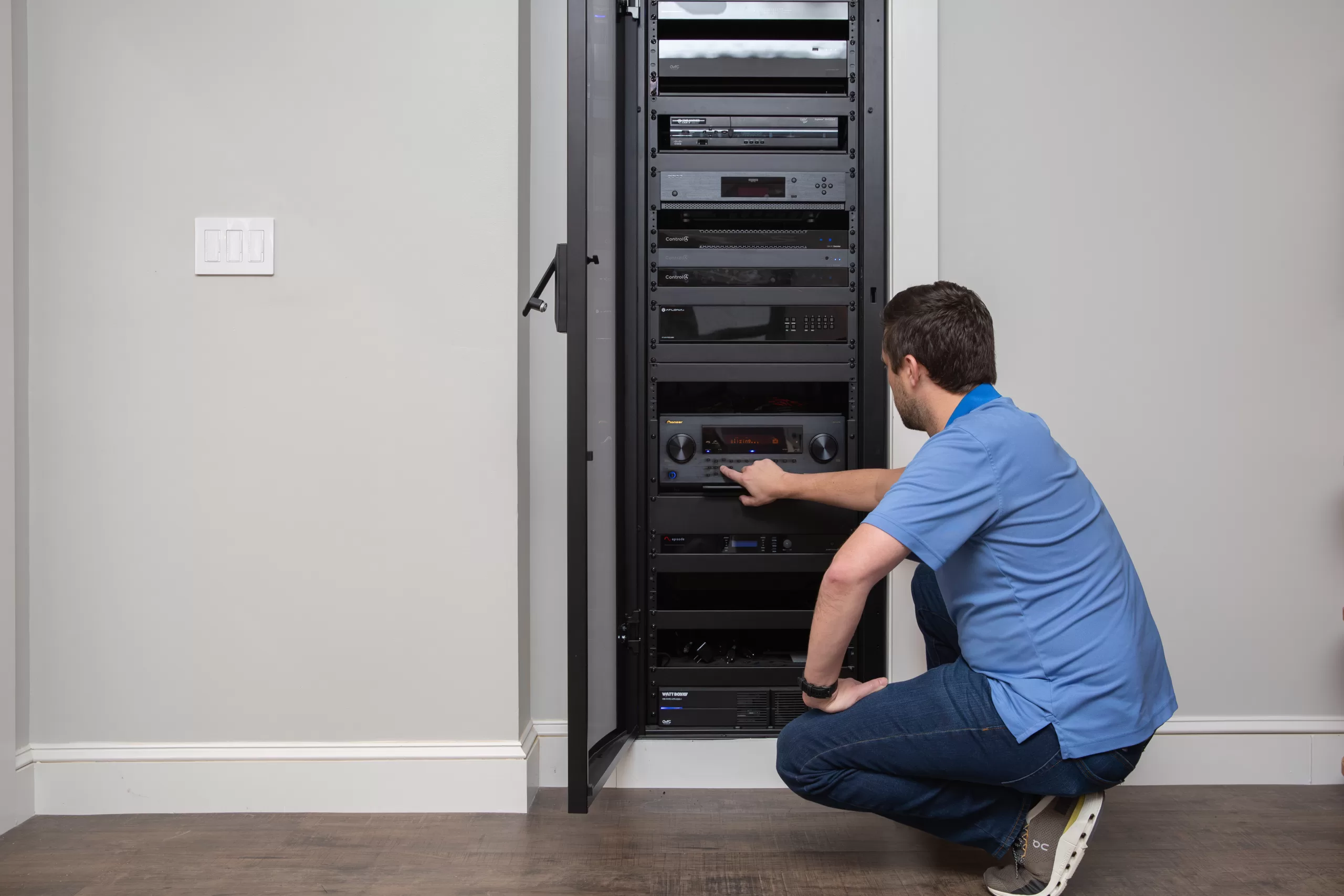
Is this only for brand-new mansions?
No. Most of our work is existing Northern New Jersey homes. Finished basements. Remodeled kitchens. Older colonials with a drawer of remotes and a phone full of icons.
We plan around the house you live in. Hidden racks. Clean wall plates. A real remote where your hand already goes. You do not need a tear-down. You need one control path the kids and guests can use without a tutorial.
Where does One Sound Choice put one system on the house?
One Sound Choice works across Northern New Jersey. Morris, Bergen, Essex, Somerset, Passaic, and Hunterdon counties. Towns include Franklin Lakes, Wyckoff, Short Hills, Pequannock, Ridgewood, Chatham, Mendham, Montclair, Livingston, and Wayne.
Commute nights, school nights, and holiday hosts are normal here. If your gear can live in one easy system, our team installs Control4 so the family stops hopping between apps and remotes.
What One Sound Choice clients say
The 1 Sound Choice staff was very easy to work with. Ryan, you understood our wants right from the beginning. Simplicity of installation and operation were just some of the reasons we chose 1 Sound Choice. You exceeded my expectations!
– Mr. & Mrs. Matia (1 Sound Choice client testimonials)
Ryan listened to us – he understood what we wanted to accomplish. (The 1 Sound Choice team’s) commitment to post-installation support and service has been unbelievable. They are professionals in every aspect and have gained our trust throughout the completion of our project.
– Mr. & Mrs. Maytin (1 Sound Choice client testimonials)
Had a Control 4 home automated system installed after we had a house fire. Every room in my house has been setup with phone/internet/cable. Created a central area that houses all my equipment. The only equipment in my home theatre and living rooms are the TV’s. This is great for little kids. No worries about them playing with your components. 1 Sound Choice installed all the equipment and provided me with a seamless entertainment experience. Very professional with a special attention to detail I have not seen in their industry. Customization is their specialty and they are willing to work with you to acheive your dreams. They have solutions for any budget or lifestyle. A true pleasure to work with. Have recommended their services to many and would look to them for any future upgrades or new installs should we decide to move.
– buoog14 (Houzz review)
Apps and remotes questions
Why do I need so many apps and remotes?
You usually do not. Each gadget came with its own app or remote. That is why the house feels hard.
Do I control the TV with a phone app?
No. You want a real remote with buttons. Buttons work when the lights are off. Muscle memory. No unlock. No dead battery mid-show.
What is Control4?
Control4 is the system One Sound Choice installs so one easy system runs the house. One remote for the TV room. One app when you need the phone.
Do I keep some of the brand apps?
Often yes. Keep native apps for firmware updates and deep settings. Daily life should not require hopping those apps for lights, heat, cameras, and TV night.
What if the internet goes down?
Local Control4 control is built for the house first. Streaming and some cloud cameras still need internet. We plan critical room control so a Wi-Fi blip does not strand the whole night.
Can my Nest or Ring stay?
Sometimes yes. We check what can join cleanly and what should stay in its own app for now. We say which is which after we see the house.
Is this only for big mansions?
No. Most jobs are existing family homes with mixed gear from different years.
How do we start?
Call or text (973) 945-5275 for a free consult. You can also use the too many remotes page.
Meet Ryan
Ryan Herd started One Sound Choice more than 30 years ago and has worked in thousands of New Jersey homes. He is the former Mayor of Pequannock. He wrote Join the Smart Home Revolution. He has given a TEDx talk on aging in place and holds patents. He looks at your house first. Then he tells you what makes sense.
Want one easy system for the house and a real remote for TV nights? Call or text One Sound Choice at (973) 945-5275, or start on our too many remotes page.
One Sound Choice, 8 Tilley Ave, Pompton Plains, NJ 07444. Call or text (973) 945-5275. We work in homes across Morris, Passaic, Bergen, Essex, Somerset, and Hunterdon counties.
]]>School is back. Kids often get home before you do. A doorbell camera is how you see the door on your phone. The store kit does not know your door. That is the part people miss.
Want to know if it is possible on your door? Call or text One Sound Choice a photo of the front door at (973) 945-5275. You can also start on our doorbell camera page.
Why do people want a doorbell camera when school starts?
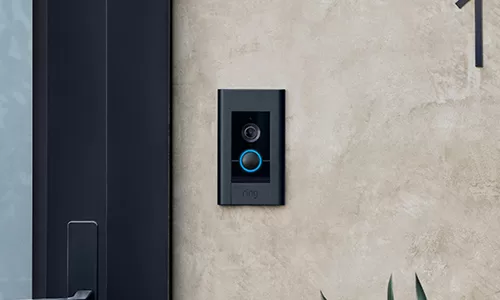
You want to know the kids made it inside. You want to see who is at the door without walking to it. A Ring doorbell camera shows the front door on your phone. That is the job.
The camera only helps if it stays on, rings inside the house, and sends video when you need it. Those three things depend on the house, not on the box. Many Northern Jersey homes in Franklin Lakes, Upper Saddle River, Ridgewood, Montclair, and Short Hills are retrofits. The button is on brick, stone, or thick siding. The transformer is often in a basement. The router is often in a family room. The porch is the far edge of the house.
What do homeowners actually run into when they hang a Ring themselves?
People who try this at home write about the same three failures. They write them on Ring’s own community board. They are not rare edge cases. They are the house.
One person hooked up a Ring Pro, turned the breaker back on, and the foyer chime started buzzing and would not stop. The camera did not even power on. They pulled it all apart the same day.
Another person followed the bypass steps. The transformer hummed. The app said the voltage was low. Then the doorbell would not finish Wi-Fi setup. It kept saying the internet connection failed.
A third person said the doorbell was not getting a full sixteen volts. They were told to bypass the chime to get more power to the camera. That is not a “swap the button” job. That is electrical work inside the house.
If one of those is wrong, the camera looks broken even when the camera itself is fine.
Why doesn’t the old doorbell just work with a Ring?
Some front doors already have a wired doorbell. Some have no wires at all. Some have wires that only power a simple chime, not a camera.
A wired Ring uses those wires for power. If the power is missing, weak, or the wrong kind, the camera will drop, reboot, or never finish setup. A battery Ring does not use those wires. It still needs a full charge and a strong Wi-Fi signal at the door. You still have to take it down to charge it.
Ring’s own install pages say a wired camera needs a doorbell transformer in a published voltage range. A mechanical chime from years ago was often sized only to ding once. A camera that records video all day draws more. If the transformer is too small, the camera starves. If there is no transformer, a wired Ring has nothing to run on. If the voltage is wrong, the camera can fail in ways that look like a Wi-Fi problem.
The transformer is rarely on the porch. Ring tells installers to look near the panel, in a basement, or in a closet. Our team finds it in the house and checks it with the right tools. You should not guess from the store shelf.
Why is power at the button its own job?
The doorbell button sits outside. The power for a wired Ring usually comes from that small transformer inside. The two wires behind the old button are only the last inch of a longer run.
In a Pequannock, Wyckoff, or Chatham colonial, that run can go from a basement transformer, up through finished walls, and out to a brick or wood front. Long wire and old wire both drop power. Worn insulation behind the button can short. People on Ring’s community board have described a chime that began to buzz every thirty seconds after a year, because the wires at the door had rubbed bare.
That is why a photo of the front door helps, and why a visit still matters. The photo shows the button, the siding, and whether wires are even there. The visit is how we measure what the camera will actually get.
If the power is wrong, no app setting will save it. The camera will look dead, or it will work for a day and then drop. People also write that they hardwired the Ring and still had to pull it off the wall to charge it with a USB cord. Some see the app flip from hardwired to battery. That is not a software problem. That is the house.
Why does the chime inside the house matter?
The Ring has to ring inside, not only on your phone. You may be in the kitchen. You may have the phone in another room. The kids may be upstairs. The house still needs to make a sound at the door.
The old chime may be mechanical. It may be digital. It may not work with a video doorbell at all. Ring’s own wired-install notes say that on some models, the existing chime will no longer function after the camera goes on. You then need a Ring chime or another speaker in the house if you still want a ring indoors.
People who skip this step get a buzzing foyer, a chime that half-rings, or a house that is silent while the phone lights up in a bag. One homeowner had two indoor chimes. After the Ring went in, only one rang. Then the striker buzzed and vibrated. Others say the chime is on Ring’s compatible list and still stays silent after a new transformer. Some chimes sit flush in a wall with no room for the kit, and the wire run is long. Ring support told one person to call a technician. The house was new. The wiring looked fine. The chime still failed.
Some homes need a chime kit. Some homes need the old chime bypassed and a new chime added. Some homes can keep the old chime if the type matches. That is a separate check from the camera on the porch.
You do not want a camera that only buzzes a phone if you also want the house to ring.
Why does Wi-Fi at the front door fail?
The camera lives on the porch. The router usually lives inside, often in a family room or an office. Wi-Fi that works in the living room may not reach the front door.
Brick, stone, old plaster, a metal door, and the outdoor air all weaken the signal. That is common on Northern Jersey fronts in Mahwah, North Caldwell, Mendham, Livingston, and Wayne. The porch is outside the last wall. The camera has to talk through that wall, not around it.
If the camera cannot talk to the network, you will not see the kids when they get home. You will see a delayed picture, a dropped call, or a camera that is offline. On Ring’s community board, people who already had a power problem then could not even finish Wi-Fi setup. The app blamed the internet. The real issue started at the transformer.
Our team checks the signal where the camera will live, not from the couch. If the porch is weak, the doorbell is the wrong first fix. The house needs signal at the door. Then the camera can stay online.
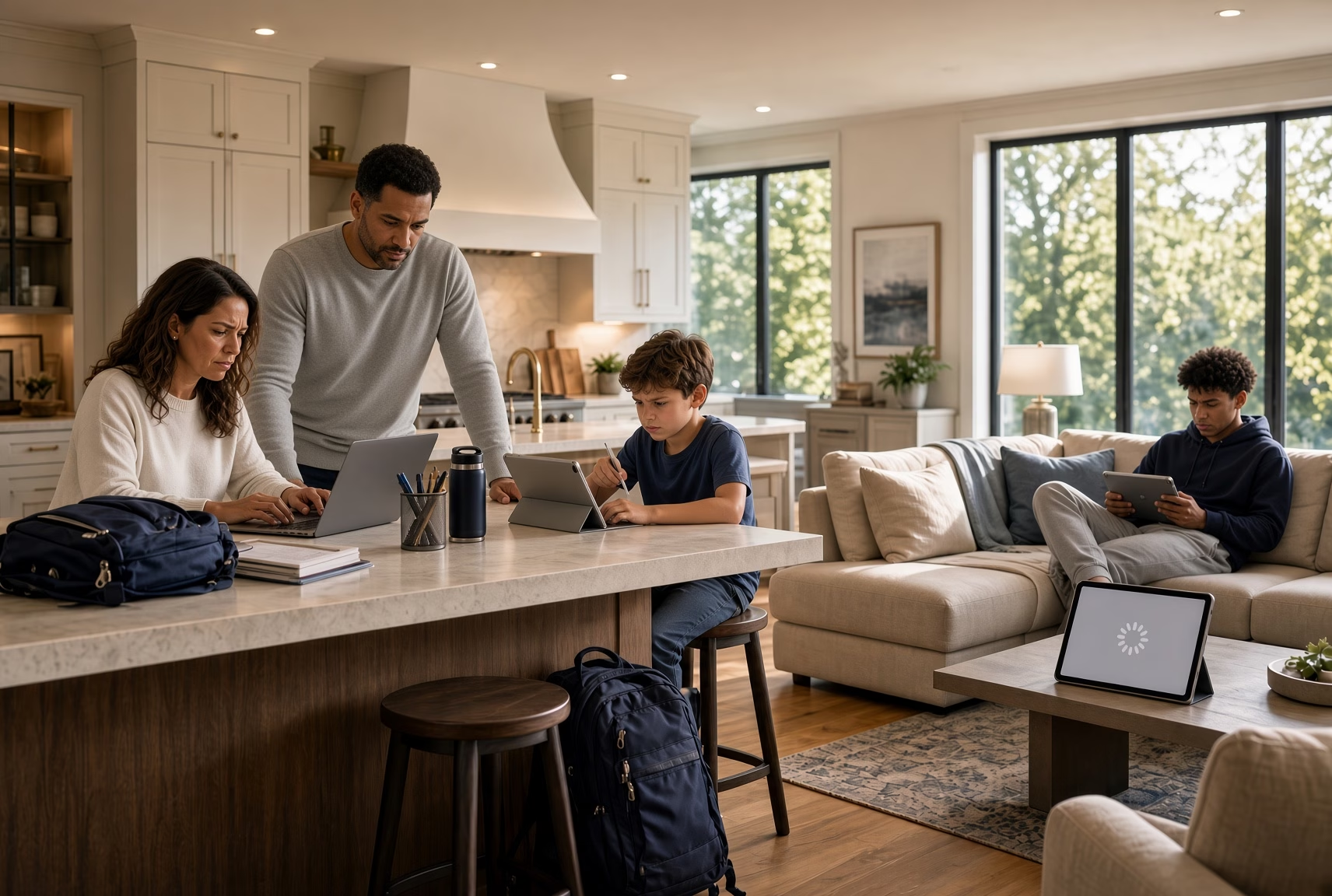
A Ring floodlight camera is a different product. It is a camera with lights, not the doorbell at the front door.
Should I buy a battery Ring or a wired Ring?
It depends on the door.
A wired Ring needs usable power at the button and a transformer that can feed a camera. When that is right, the camera can stay on without you taking it down to charge.
A battery Ring does not need those wires. That sounds easier. You still need strong Wi-Fi at the door. You still have to pull the camera off the bracket to charge it. If you bought it so you would know when the kids get home, a dead battery on a Wednesday afternoon is the same problem you started with.
We recommend after we see the house. We do not pick a model from a photo of a box.
What does One Sound Choice check before we recommend a Ring?
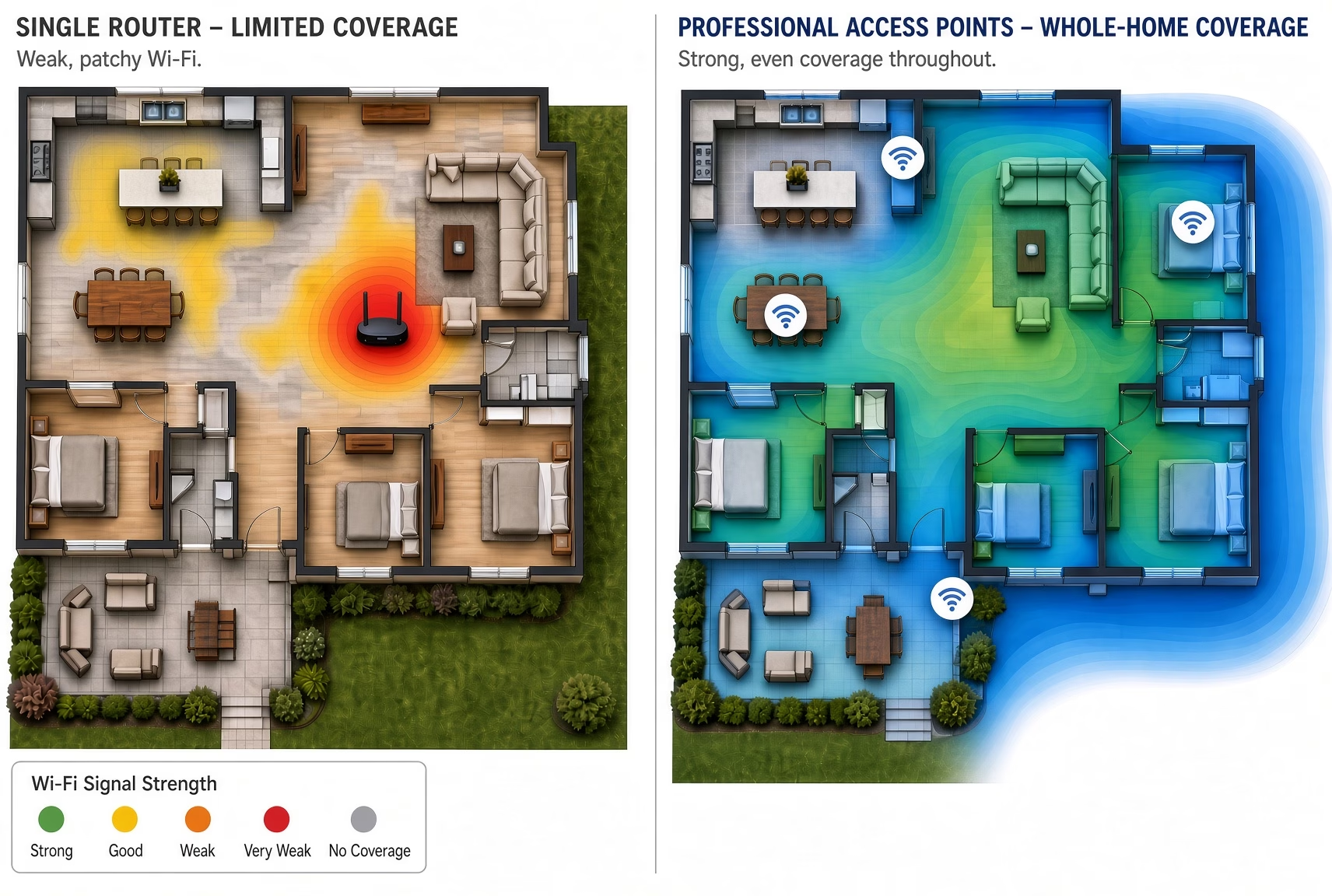
You text or call us a photo of the front door.
Our team comes to the house.
We check power, the chime, and the Wi-Fi in person.
We tell you which Ring fits that door.
You do not have to figure it out from the box. Most visits are retrofits. We work with the door you already have.
Where does One Sound Choice install doorbell cameras?
One Sound Choice works in existing homes across Northern New Jersey. We serve homeowners in Morris, Bergen, Essex, Somerset, Passaic, and Hudson counties. That includes towns such as Franklin Lakes, Upper Saddle River, Mahwah, North Caldwell, Pequannock, Wyckoff, Ridgewood, Saddle River, Chatham, Mendham, Montclair, Livingston, Short Hills, Wayne, and Pompton Plains.
Census figures put a lot of Bergen and Essex houses in the late 1950s, and Morris around 1971. That is original doorbell wiring, original transformers, and brick or stone fronts in places like Ridgewood, Montclair, and Wyckoff. Local electricians already sell this as a transformer job plus Wi-Fi at the door. It is not a new problem.
The door this week is the front door. The question is whether a doorbell camera can work on it. If it can, our team installs a Ring that fits that house.
What One Sound Choice clients say
Ryan listened to us – he understood what we wanted to accomplish. (The 1 Sound Choice team’s) commitment to post-installation support and service has been unbelievable. They are professionals in every aspect and have gained our trust throughout the completion of our project.
– Mr. & Mrs. Maytin (1 Sound Choice client testimonials)
We were surprised with what (Ryan) took away from the conversation – even reading between the lines to put everything we wanted and needed right into his designs for us. At first, we really didn’t know who to go with; we hadn’t had any renovations to our home before. We set up a consultation and liked (Ryan) because he was personable, a good listener and knowledgeable. He asked about our wish list and gave us some ideas…which were great.
– Mr. & Mrs. Caywood (1 Sound Choice client testimonials)
Truly One Sound Choice, you won’t find better. I called a couple of AV companies for quotes but on speaking with Ryan I had confidence that One Sound Choice would do the job right. Most companises had assured me that they would not have to cut holes in my walls to achieve my project goals. Ryan was up front, honest and realistic outlining all the possible challenges my install might face whilst reassuring me that One Sound Choice had the capabilitiy and expertise to meet my goals. Consulation was painless and Ryan and Kenny captured my requirements perfectly and offered advice based on their experience regarding optional additons to the project, which were practical and delivered exceptional enhancements. Ryan provided me with a view of what could be achieved given my requirements and then worked with me complete the project with consideration to my budget, but without compromising the final solution. Even completed the project without requiring any patch work which was a bonus. Ryan and Kenny were a pleasure to work with, respectful and courteous and I had confidence having them in our home. Highly recommend for any AV work you are considering. You will not be disappointed with the results.
– Leighton (Houzz review)
Meet Ryan
Ryan Herd started One Sound Choice more than 30 years ago and has worked in thousands of New Jersey homes. He is the former Mayor of Pequannock. He wrote Join the Smart Home Revolution. He has given a TEDx talk and holds patents. He looks at your house first. Then he tells you what makes sense.
Doorbell camera questions
Can I put a Ring on my old doorbell?
Maybe. Our team has to see the door first. The old button is not the same as power, a chime, and Wi-Fi that can run a camera.
Does a Ring still ring inside the house?
It should. That is why we check your chime. A phone alert is not the same as the house ringing. On some wired Ring models, Ring says the old chime will no longer function, so the house needs a new way to ring.
My Wi-Fi is fine. Why does the porch matter?
The camera is on the porch, not in the living room. The signal has to work where the camera sits.
Should I buy a battery Ring or a wired Ring?
It depends on the door. A wired Ring needs usable power at the button. A battery Ring does not, but you will take it down to charge it, and it still needs strong Wi-Fi at the door. We recommend after we see the house.
Why do DIY installs fail even when the camera is new?
The camera is often fine. The house is not ready. Weak transformers, the wrong chime, worn doorbell wire, and a porch with no Wi-Fi all show up as a “broken” Ring.
How do we start?
Want to know if it is possible? Call or text One Sound Choice a picture of your front door at (973) 945-5275. You can also use the doorbell camera page.
Start with a photo of your front door
Want to know if it is possible? Call or text us a picture of your front door.
One Sound Choice, 8 Tilley Ave, Pompton Plains, NJ 07444. Call or text (973) 945-5275. We work in homes across Morris, Passaic, Bergen, Essex, Somerset, and Hunterdon counties. Written by Ryan Herd, founder of One Sound Choice.
]]>Key Takeaways:
- Average savings: 9.6% on heating, 17.5% on cooling, translating to $131–$145 annually.
- Best results occur in homes with irregular schedules or frequent absences.
- Features like remote control and maintenance alerts add convenience but may not drastically cut costs in always-occupied homes.
- Professional installation ensures optimal performance and avoids common setup errors.
Smart thermostats offer convenience and potential savings, but the financial return depends on how they’re used and configured.
Energy Efficiency Challenges in Family Homes
High Energy Costs from Irregular Usage
When it comes to energy savings, human habits often outweigh the efficiency of HVAC systems. Small oversights, like forgetting to adjust the thermostat before heading to work or bed, can lead to significant energy waste. In these cases, your system may continue heating or cooling an unoccupied home for hours [1][2].
One particularly common behavior – setting the thermostat to "Hold" and ignoring its programming features – limits effective use to only about 25% of users [2]. This habit keeps the system running at a constant temperature around the clock, completely negating any potential energy savings.
Physical factors can make the problem worse. Thermostats placed on exterior walls or near windows often give inaccurate readings due to direct sunlight or drafts. For example, sunlight can cause the thermostat to register temperatures 8°F to 12°F higher than the actual room temperature, leading to unnecessary and frequent system cycling. This not only wastes energy but also reduces overall comfort [1]. Additionally, failing to replace air filters every three months forces the HVAC system to work harder, increasing energy consumption and risking costly repairs to components like the blower assembly [2].
Together, these behavioral and environmental factors create significant challenges for family homes, where varied schedules and needs make precision even more critical.
Family-Specific Challenges
For families, achieving energy efficiency comes with its own set of hurdles. Children, for instance, often adjust the thermostat to suit their preferences, disrupting carefully planned settings. With multiple family members needing different comfort levels in various rooms, a single thermostat struggles to balance efficiency and comfort [3].
Another major issue is constant occupancy. Homes with stay-at-home parents, remote workers, or young children rarely benefit from "away" modes, which are designed to reduce energy use when no one is home. This means the baseline energy consumption remains high, regardless of how advanced the thermostat might be [1][3]. Unpredictable schedules add to the difficulty – activities like after-school programs, weekend trips, or irregular work hours often conflict with traditional thermostat programming.
These challenges underscore the complexity of managing energy in family homes, where diverse needs and routines demand more flexible and responsive solutions. The next section will explore how these solutions can address these unique obstacles.
sbb-itb-c5b321b
How Smart Thermostats Work for Families
Smart thermostats simplify managing home temperatures by using learning algorithms, location-based controls, and energy tracking. These features help families reduce energy waste without the need for constant manual adjustments.
Learning Algorithms and Automatic Scheduling
Smart thermostats are designed to adapt to your family’s daily routines. During the first week, they monitor when your household wakes up, leaves for work or school, and goes to bed. They also use motion sensors to detect which rooms are occupied and identify patterns, such as lowering the heat on consecutive Monday mornings, to create automatic schedules [7][9][3].
"The primary goal of smart thermostat algorithms is to optimize energy use while still maintaining comfort levels in your home."
- Ethan Turner, Home Technology Expert [7]
Some advanced models take this further by employing reinforcement learning, which helps them understand your home’s unique heating and cooling characteristics. By analyzing data from temperature sensors, humidity levels, and manual adjustments, these systems determine the most efficient temperature settings. Updates occur only when conditions, like temperature shifts outside your preferred range, trigger a need for change [8].
This automatic scheduling becomes even more effective when combined with location-based features.
Remote Control and Geofencing
Geofencing creates a virtual perimeter around your home, allowing the thermostat to switch to an energy-saving "Away" mode when the last family member leaves. As someone returns, the system begins adjusting the temperature to ensure the home is comfortable upon arrival [7].
Smartphone apps add another layer of convenience, enabling parents to adjust settings remotely. Sharon King, a Duke Energy customer, shared how this feature helped her:
"There are so many times I have left the house without turning the temp down from overnight. And I can fix that remotely instead of having to leave it all day." [6]
In one example from December 2025, a family in Phoenix, Arizona, used geofencing and pre-cooling to manage air conditioning during the scorching summer heat. They allowed their home to reach 82°F while at work and activated pre-cooling 45 minutes before arriving home. This approach reduced their cooling energy use by 28% and saved them $217 on their summer utility bills compared to the previous year [1].
Some systems also come with wireless sensors that can be placed in specific rooms, such as a nursery or home office, to ensure comfort even if the main thermostat is located elsewhere. Additionally, many models offer locking features, allowing parents to set a PIN or limit adjustments to prevent accidental changes that could waste energy. New parents can read how we set up smart tech in a nursery.
Energy Reports and Usage Insights
Smart thermostats go beyond automation by providing detailed energy usage reports. These reports show how many hours your HVAC system runs daily, weekly, or monthly [3]. They help identify peak usage times and reveal how seasonal changes affect energy consumption [10].
Many apps also provide tips for more efficient temperature settings and send maintenance alerts, such as reminders to replace air filters every three months, to keep your system running smoothly [3].
"Some of my favorite features that I notice improve savings are the automatic adjustments with Smart Schedule, Auto-Eco energy-saving shifts and Seasonal Savings."
- A leading smart thermostat product expert [4]
Energy data can also uncover potential problems. For instance, in 2017, an HVAC technician discovered that a thermostat placed on an exterior wall near a window was giving inaccurate readings due to morning sunlight. After moving the thermostat to an interior wall, the homeowner saw a 16% reduction in heating costs over three months [1].
Actual Savings: What the Data Shows
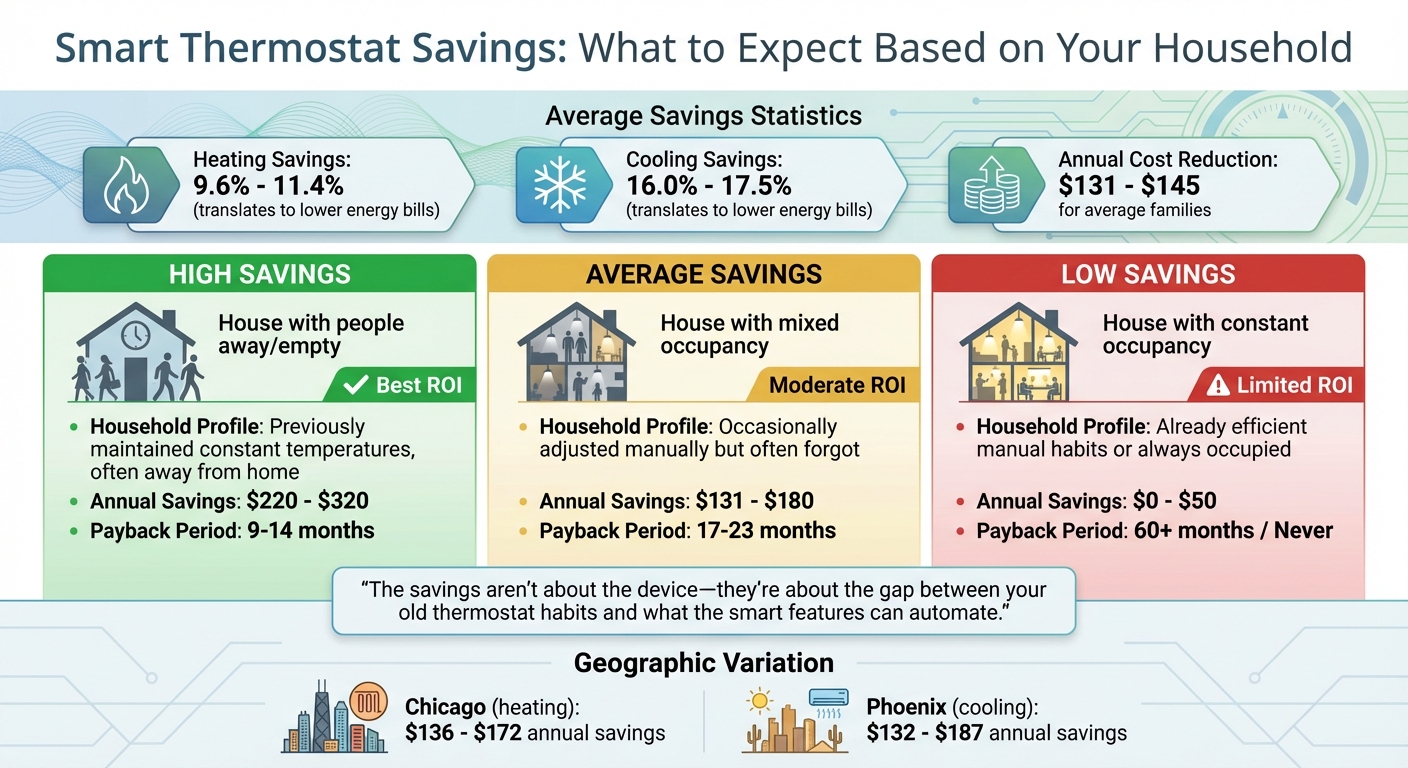
Smart Thermostat Savings by Household Type: Annual Costs and Payback Periods
Expected Savings for Family Homes
A study of 1,359 homes reveals that smart thermostats lead to average savings of 9.6% on gas heating and 17.5% on electric cooling [1]. Similarly, the EPA ENERGY STAR 2023 data reports national averages of 11.4% savings for heating and 16.0% for cooling [1].
For most families, this translates to annual cost reductions ranging from $131 to $145 [1]. However, the extent of savings depends largely on prior thermostat usage habits. Families that kept a constant temperature all day stand to save significantly more – up to three to five times more – compared to those who already adhered to disciplined manual schedules [1].
"The savings aren’t about the device – they’re about the gap between your old thermostat habits and what the smart features can automate."
- HVAC Calculator Hub Team [1]
| Savings Scenario | Household Profile | Annual Savings | Payback Period |
|---|---|---|---|
| High Savings | Previously maintained constant temperatures, often away | $220–$320 | 9–14 months |
| Average Savings | Occasionally adjusted manually but often forgot | $131–$180 | 17–23 months |
| Low Savings | Already efficient manual habits or always occupied | $0–$50 | 60+ months / Never |
Geography also plays a role. For example, heating savings in Chicago range from $136 to $172, while cooling savings in Phoenix fall between $132 and $187 [1].
Now, let’s look at the factors that influence how these savings come to life.
What Affects Your Savings
Several elements directly impact the savings a smart thermostat can deliver, particularly in busy family homes. One of the most critical factors is your previous thermostat habits. If you were accustomed to keeping a constant temperature, smart thermostats can significantly reduce energy use by automating adjustments.
Occupancy patterns also matter. Families who are away for eight or more hours a day can benefit greatly from features like geofencing and automatic scheduling [1][2]. On the other hand, households that are continuously occupied – such as those with remote workers or stay-at-home parents – usually see smaller savings, often between 0% and 5% [1][3].
The quality of your home’s insulation is another key factor. Poorly insulated homes often experience higher percentage savings because smart thermostats reduce the energy waste of heating or cooling an empty, drafty house [1].
The type of heating or cooling system you use also plays a role. For instance:
- Homes with hydronic radiant floor heating tend to see smaller savings (3–8%) due to the system’s slower response to temperature changes [1].
- Heat pump systems, if not configured correctly, may activate costly auxiliary heating, which can increase energy bills instead of lowering them [1]. Professional installation ensures these systems are set up properly to maximize efficiency.
Limitations and Common Misconceptions
Lower Savings in Always-Occupied Homes
For households where someone is home most of the day – whether due to remote work, caring for children, or other reasons – the energy-saving potential of a smart thermostat is much lower. These devices are designed to save energy by using features like "away" modes and occupancy detection, which are rarely activated in homes that are continuously occupied. In such cases, the potential savings typically range between 0% and 5%, translating to annual reductions of just $0 to $50 [1][3]. For these households, the main benefit of a smart thermostat shifts from cutting energy costs to offering convenience, such as remote control and maintenance notifications [1][3].
Problems from Incorrect Setup
Even the most advanced smart thermostats can fail to save energy if they are not installed correctly. For example, placing the thermostat on an exterior wall or near a window can lead to inaccurate temperature readings, which causes inefficient heating or cooling cycles [1].
Another common issue arises with "Heat Pump Balance" settings, which, if configured incorrectly, can activate auxiliary electric resistance heat, significantly increasing energy bills [1]. Additionally, homes without a C-wire (common wire) may experience power cycling problems, which can even damage HVAC systems over time [1][3]. To avoid these issues, professional installation is highly recommended, as it ensures proper placement and configuration from the start. These challenges underline the importance of understanding the technical differences between thermostat models.
Smart vs. Programmable Thermostats
For families with busy schedules, the comparison between smart and programmable thermostats highlights the practical advantages of automation.
| Feature | Smart Thermostat | Programmable Thermostat |
|---|---|---|
| Scheduling | Uses learning algorithms or app-based adjustments; adapts automatically | Requires manual setup and ongoing user input |
| Remote Access | Full control via smartphone from anywhere | None; changes must be made directly on the device |
| Occupancy Detection | Adjusts in real time using geofencing and motion sensors | Operates on fixed, pre-set time blocks |
| User Error Rate | Low; automates energy savings regardless of user habits | High; 40% to 70% of users never utilize programming features [2][3] |
| Maintenance Alerts | Provides filter reminders and monitors system health | Limited; some models include basic filter timers |
| Energy Reports | Offers detailed usage insights and monthly summaries | Typically lacks reporting features |
Smart thermostats stand out by automating temperature adjustments and reducing the likelihood of user errors, making them particularly helpful for families who don’t have the time or inclination to manage manual schedules.
Why Professional Installation Matters
Benefits of Professional Integration
The performance of a smart thermostat often hinges on how well it’s installed. Advanced HVAC systems, like the Carrier Infinity or Lennox iComfort, demand precise configuration to maintain their efficiency. For instance, an 18-SEER heat pump can lose significant efficiency – dropping to around 14–15 SEER – if advanced staging and modulation features are disabled due to improper thermostat setup [1].
Professional installers ensure proper placement by mounting the thermostat on an interior wall with adequate air circulation. This avoids issues like solar heating, which can cause temperature readings to rise by 8–12°F, leading to premature system shutdowns or short cycling [1]. These issues often force manual overrides, negating potential energy savings.
Additionally, professional integration allows your thermostat to work seamlessly with other smart devices in your home. For example, automated blinds that close during peak sunlight can reduce the cooling load on your HVAC system [10]. This level of coordination, which maximizes energy efficiency, is difficult to achieve without expert setup.
Avoiding DIY Problems
While DIY installations might seem appealing, they often come with significant challenges. Many older homes lack a C-wire (common wire), which is essential for powering modern smart thermostats. Using power connector adapters as a workaround can lead to intermittent power cycling issues in about 15% of cases [1]. This is particularly problematic for high-efficiency furnaces, where power cycling can cause long-term damage.
"Heat pump smart thermostat installations require additional configuration beyond basic wiring – this is not plug-and-play territory." – HVAC Calculator Hub Team [1]
Another frequent DIY mistake involves misconfiguring heat pump settings. Without correctly adjusting the "Heat Pump Balance" settings, a thermostat might activate costly electric resistance heating (strip heat) too early. This can lead to an 8% increase in energy bills instead of the anticipated savings [1].
For homeowners in Northern New Jersey, companies like One Sound Choice specialize in professional smart thermostat integration. They go beyond basic installation, designing systems that ensure compatibility with your existing HVAC equipment and incorporating other smart home features for optimal efficiency.
Long-Term Value and Support
Choosing professional installation doesn’t just enhance immediate performance – it also ensures long-term energy savings and system reliability. For example, scheduling a smart thermostat installation during an annual HVAC maintenance visit can reduce the installation cost to $30–$60, compared to $120–$180 for a standalone service call [1]. This makes professional setup a cost-effective option when planned wisely.
Professionally installed systems often connect with local service providers for automatic monitoring. These systems can alert technicians to issues like burner misfires or compressor short cycling [2]. Additionally, professional installation can help you qualify for utility rebates ranging from $50 to $150 [11][10], significantly offsetting the cost. Expert setup also ensures that software updates and "Over-the-Air" features remain compatible with your specific hardware and wiring [5], protecting your investment as technology evolves.
Conclusion
Smart thermostats, when installed and configured correctly, can help families save money on energy bills. Energy Star-certified models, for instance, reduce heating and cooling costs by an average of 8%, which amounts to about $50 annually. Most households recover their investment within one to three years [2][3]. These devices address a common issue: many people with programmable thermostats never use the scheduling features. By automating energy management, smart thermostats eliminate human error.
Advanced features like geofencing and occupancy sensors take energy savings further by automatically adjusting settings when no one is home. Maintenance alerts also play a critical role by identifying small issues before they turn into costly repairs. As Jason Fitzpatrick, Editor-in-Chief at How-To Geek, explains:
"A service call for a minor part or a tuneup is much cheaper than replacing a completely blown AC unit, after all" [2].
However, achieving these benefits depends heavily on proper installation. Poor sensor placement can lead to inaccurate temperature readings [1], and DIY fixes, like makeshift power adapters, fail about 15% of the time [1], potentially damaging high-efficiency HVAC systems. Professional installation ensures seamless integration with your heating and cooling equipment, maintaining efficiency ratings, avoiding unnecessary auxiliary heat use, and catching potential issues early.
In Northern New Jersey, companies like One Sound Choice offer professional smart thermostat integration as part of broader home technology services. Their expertise extends beyond basic setup, ensuring your thermostat works flawlessly with existing HVAC systems and other smart home features to maximize both efficiency and comfort.
The key to unlocking the full potential of smart thermostats lies in expert installation and accurate configuration. When done right, these devices provide not only financial savings but also the convenience of automated energy management, making it easier for families to maintain efficiency in their busy households.
What One Sound Choice clients say
I’d (tell others) that Ryan’s very professional and very easy to work with, in terms of budgeting and listening to what you want to have done. He never pushed us toward anything we couldn’t afford or didn’t want and he got the job done on time.
– Mr. & Mrs. DeSantis (1 Sound Choice client testimonials)
(We received) friendly, highly competent, quick and clean installation by 1 Sound Choice. The team followed up a few weeks after completion to ask if we were satisfied with our Media Room and Home Audio System. 1 Sound Choice is truly “top shelf” – they surpassed our expectations every step of the way.
– Mr. & Mrs. Blake (1 Sound Choice client testimonials)
Very efficient and professional. Knowledgeable of equipment and products suited for your space/home. Perfectionists at their job and get the task done in promised time.
– dmhajjar (Houzz review)
FAQs
Is my family home a good fit for a smart thermostat?
Smart thermostats are an excellent choice for busy households, particularly those with unpredictable schedules or frequent absences. These devices adapt to your daily habits, automatically adjusting temperatures to maintain comfort while conserving energy. Studies indicate they can lower heating and cooling expenses by 8-17%, offering a practical solution for families aiming to save money without compromising on ease or comfort.
How can I tell if my smart thermostat is actually saving energy?
To determine if your smart thermostat is helping you cut energy costs, take a closer look at your utility bills before and after installing the device, focusing specifically on heating and cooling expenses. On average, households see savings of about 9.6% on gas heating and 17.5% on electric cooling, which adds up to roughly $131–$145 per year. Make sure the thermostat is installed correctly and take full advantage of its automated features to maximize efficiency. Keep tracking your bills over time to verify the savings.
Do I need professional installation for my HVAC system?
Professional installation is often the best choice for smart thermostats, especially if your home has a complex HVAC system or older wiring. While installing it yourself might be tempting, professionals can ensure everything is set up correctly, from compatibility with your system to fine-tuning for optimal performance. A poorly installed thermostat could lead to reduced energy savings or even malfunctions, which defeats the purpose of upgrading.
For homes with active families or intricate setups, professional expertise can help you get the most out of features like adaptive learning and energy efficiency. It’s an investment that ensures your smart thermostat works as intended and delivers the comfort and savings you’re looking for.
Related Blog Posts
- 5 Benefits of Remote Climate Control
- Whole-Home Automation: Family Benefits Explained
- “How Much Home Technology Do We Actually Need for Our Family?”
- “Can Smart Home Technology Actually Lower Our Electric Bills, or Is That Just Marketing?”
More questions
Does a smart thermostat help if someone is home all day?
It helps less. Homes that are full all day see smaller savings. The biggest wins come when the house is empty for part of the day.
One Sound Choice, 8 Tilley Ave, Pompton Plains, NJ 07444. Call or text (973) 945-5275. We work in homes across Morris, Passaic, Bergen, Essex, Somerset, and Hunterdon counties. Written by Ryan Herd, founder of One Sound Choice.
]]>- Winter Savings: Cellular shades can cut heat loss by over 40%, providing insulation and retaining warmth during colder months.
- Summer Efficiency: By blocking up to 77% of solar heat during peak hours, automated shades reduce cooling demands and ease the strain on air conditioning.
- Energy Reduction: Studies show up to a 25% reduction in heating and cooling energy use when using sensor-based automated systems.
- Smart Integration: When paired with smart home systems, shades optimize performance by adjusting in real-time to weather and indoor conditions.
With features like pre-set schedules, solar sensors, and high-performance materials, automated shades not only lower energy bills but also improve year-round indoor comfort. For homeowners seeking cost-effective solutions to manage heating and cooling, these systems are an efficient and convenient option.
Heating and Cooling Costs in Northern New Jersey
How Seasonal Weather Affects HVAC Systems
Northern New Jersey’s climate presents unique challenges for home heating and cooling systems. With summers bringing intense heat and winters delivering freezing temperatures, HVAC systems are tasked with working overtime throughout the year [3]. During the summer months, air conditioning systems combat the heat caused by strong sunlight, while in winter, poorly insulated windows allow precious warmth to escape, forcing heating systems to work harder.
This relentless demand means HVAC systems account for nearly half of a household’s total energy use in counties like Morris, Bergen, and Essex. Homes without automated shades for Northern NJ homes face greater thermal inefficiency, causing systems to run longer and use more energy. As a result, homeowners often see higher energy bills due to these prolonged operating cycles.
Annual Heating and Cooling Expenses
The cost of maintaining comfortable indoor temperatures in Northern New Jersey can be significant. On average, homeowners in the region spend over $2,000 annually on heating, with cooling costs adding up to an additional $1,500 each year. The financial burden is even greater in affluent areas such as Alpine, Short Hills, and Mendham, where larger homes require more energy to maintain consistent temperatures.
One of the primary reasons for these high costs is the heat transfer that occurs through windows. Without proper insulation, HVAC systems must work harder and run longer, leading to increased energy consumption. This inefficiency directly impacts monthly energy bills, making proper insulation and energy-saving strategies essential for reducing costs.
sbb-itb-c5b321b
Automated Shades Save Energy Costs
How Automated Shades Control Indoor Temperatures
Addressing the issue of inefficient window insulation in Northern New Jersey, automated shades offer a practical solution. Acting as a responsive barrier between your windows and living space, these shades adjust automatically using real-time data from light and temperature sensors. Unlike traditional window treatments, which remain static about 75% of the time [5], automated systems adapt to changing conditions, making them effective across different seasons.
Automated shades help reduce heat transfer – responsible for nearly 30% of heating energy loss [5] – by blocking up to 77% of solar heat gain during peak hours (typically 1:00–4:00 PM) [5][8]. By deploying during these high-sun periods, they ease the strain on air conditioning systems, lowering cooling demands.
During winter, the system takes the opposite approach. Shades open in the morning to take advantage of passive solar heating and close at sunset to retain warmth. Cellular or honeycomb shades are particularly effective, as their insulating air pockets can cut heat loss by 40% or more, potentially reducing overall heating energy consumption by about 10% [5].
Integrated systems take this a step further by using algorithms that combine thermostat data with local weather information [7]. These systems automatically adjust the shades when temperatures surpass preset thresholds. Additionally, they can implement building-specific schedules, such as closing west-facing windows earlier in the afternoon, to optimize energy efficiency without unnecessarily darkening the entire home.
A study conducted in May 2023 by researchers at the Illinois Institute of Technology tested the performance of sensor-based automated insulating shades on single-paned windows at Chicago’s Willis Tower. Led by Assistant Professor Mohammad Heidarinejad in partnership with Parata Solutions LLC, the 10-month research revealed a 25% reduction in energy use during both heating and cooling seasons. The study also found that installation costs could be recovered within three to five years [6]. These findings highlight the energy-saving potential of automated shade systems.
Summer: Blocking Heat and Reducing Solar Gain
During the summer in Northern New Jersey, windows can let in solar radiation that significantly raises indoor temperatures. Automated shades act as a shield, reflecting infrared rays before they can heat up your living spaces [4]. By lowering during peak sunlight hours – typically between 1:00 PM and 4:00 PM – these shades can block up to 33% of unwanted heat gain [4].
West-facing windows, which often receive the most intense sunlight, benefit from early or extended shade closure. Advanced systems equipped with sun-tracking technology adjust the shades in real time based on the sun’s movement [4][9]. This means the shades stay open on cloudy days for natural light but close automatically when sunlight becomes intense, striking a balance between comfort and illumination.
The financial benefits are clear. In one Texas installation, automated shades helped cut summer cooling costs by 15% [9]. According to the Department of Energy, smart shades can reduce annual cooling expenses by as much as 10% in sunny regions [4]. These savings stem from reducing the strain on HVAC systems. When paired with smart thermostats, the shades can automatically close if a room’s temperature exceeds a preset level, like 78°F, further easing the load on air conditioning systems [4].
Material selection also plays a big role in maximizing energy efficiency. Reflective fabrics, cellular designs, and blackout materials are particularly effective at repelling solar energy and insulating windows, especially those facing south or west [4][9]. Professional installers often tailor material choices to a home’s specific window orientation and room usage to achieve the best thermal performance.
Programming is another key factor. Creating a "Summer Schedule" where shades start closing at 12:45 PM can help prevent heat buildup throughout the day [4]. This proactive approach ensures that the system works effectively even if you’re not home, removing the need to remember manual adjustments.
Winter: Retaining Warmth and Insulating Windows
In the chilly winters of Northern New Jersey, automated shades take advantage of passive solar heating by opening during sunny periods to let in warmth and closing at dusk to retain heat. This creates a thermal barrier that helps keep the cold out. Cellular shades are particularly effective for this purpose. Their unique design traps air pockets between the window and the room, reducing heat loss through windows, which are often the least energy-efficient part of a home [10][11][12].
Research led by Assistant Professor Mohammad Heidarinejad at the Willis Tower in Chicago – an area with a climate similar to Northern New Jersey – showed that motorized shades, when tested under different controls, were able to lower heating energy usage by 25% [6].
"Their rigorous field measurements helped confirm the efficacy of our shade system to drastically reduce energy use while offering a solution that occupants and building owners prefer over the incumbent" – Christopher Nurre, CEO of Parata Solutions LLC [6]
Unlike manual shades, which can easily be left open, automated systems use solar sensors to close as daylight diminishes. This reduces heat loss and can offset installation costs within three to five years [6][10]. These systems also integrate smoothly with smart home technology, working in tandem with summer cooling strategies discussed earlier.
Setting up a "Winter Night" scene ensures all shades close at dusk, maintaining insulation. On overcast days, keeping the shades closed helps conserve warmth, while on sunny days, opening south-facing shades allows for maximum passive solar heating [10].
Integration with Smart Systems for Automated Performance
The true power of automated shades lies in their ability to connect with other smart home systems. When these shades are integrated with devices like smart thermostats, occupancy sensors, and centralized control platforms, they form an interconnected energy-management system that operates on its own. This coordination streamlines climate control across your home, making it more efficient and responsive.
One Sound Choice specializes in creating systems where shades adjust in real time. For example, if a smart thermostat detects that the temperature exceeds a certain limit, the shades can automatically close to reduce the strain on your air conditioning system [4].
Occupancy sensors add another layer of efficiency. When a room is empty, the shades can stay in energy-saving positions – closed during hot summer days to block out heat or during chilly winter nights to conserve warmth. This method can lower daily energy use by as much as 20.5% [3].
"We focus on simple scenes, clean interfaces, and training so everyone in the home feels comfortable using the system – not just the most tech-savvy person." – Ryan Herd, President, One Sound Choice [2]
Additionally, these systems can adapt to local weather conditions. For instance, on a cloudy winter morning in Northern New Jersey, the shades might stay closed longer to retain heat. Conversely, during a summer heatwave, shades on west-facing windows could close earlier to minimize the impact of peak solar heat [4]. This kind of real-time, weather-based automation seamlessly integrates into a home’s overall energy strategy, ensuring smart operation tailored to local conditions.
Technologies Used in Professional Automated Shades
Professional automated shades utilize advanced technologies to improve energy efficiency and indoor comfort. These systems integrate precision motors, smart sensors, and high-quality fabrics that respond dynamically to real-time conditions. By working seamlessly with smart home systems, they enhance energy savings and convenience.
Motorized Roller Shades for Precise Control
Motorized roller shades are designed to reduce the strain on HVAC systems by adjusting to seasonal solar patterns. These shades feature sleek, retractable designs, quiet motors, and specialized fabrics – such as reflective or blackout materials – to manage solar heat gain and maximize natural light [4].
For instance, these shades can automatically lower when the air conditioning is working hard, helping to reduce the load on the system [4]. When paired with smart lighting systems, they support "daylight harvesting", which dims electric lights when natural light is sufficient. Dimming a light to 50% can cut energy use for that fixture by approximately 50% [10]. While roller shades focus on managing light and heat, cellular shades excel in insulation.
Cellular Shades for Superior Insulation
Cellular shades, also known as honeycomb shades, are designed with hexagonal air pockets that act as natural insulators. These pockets slow heat transfer by creating barriers against convection (blocking airflow), conduction (via insulating fabrics), and radiation (trapping heat between the window and shade) [13][14]. This design helps reduce heating and cooling costs.
"Insulated cellular shades are typically considered to have the highest R-values of all window coverings." – U.S. Department of Energy [5]
For context, a standard double-pane window has an R-value of 1.8, but adding a double-cell blackout shade can increase that value to 4.7 or more [13][14]. A thermal imaging study in Vermont demonstrated this effect: on a cold night with an outdoor temperature of 28°F, uncovered glass remained at 28°F. When cellular shades were lowered, the temperature at the shade’s surface rose to 61.5°F, and with side tracks sealing the edges, it increased to 64°F [14]. Cellular shades can reduce winter heat loss through windows by 40% or more and cut summer solar heat gain by up to 60% [13][5]. To enhance efficiency, many systems now include solar sensors for real-time adjustments.
Solar Sensor-Equipped Systems
Solar sensor-equipped systems allow shades to adapt based on current environmental conditions, such as sunlight intensity and indoor temperature, instead of relying on fixed schedules [4][10]. By using real-time data, these systems help lower energy consumption, aligning with efforts to reduce heating and cooling expenses. During summer, sensors detect peak sunlight – often between 1:00 p.m. and 4:00 p.m. – and close the shades to prevent overheating in west- and south-facing rooms [4]. In winter, the sensors can open the shades to capture free solar heat during the day and close them at sunset to provide insulation [10].
"Your shades will always be closed when they need to be, which means saving more energy and more money." – Connect Home Technology [10]
This automation eliminates the need for manual adjustments, ensuring optimal energy efficiency even when you’re not home. Professional systems often use if-then logic to automatically adjust shade positions as conditions change, maintaining consistent performance throughout the year.
Energy Savings Data and Local Examples
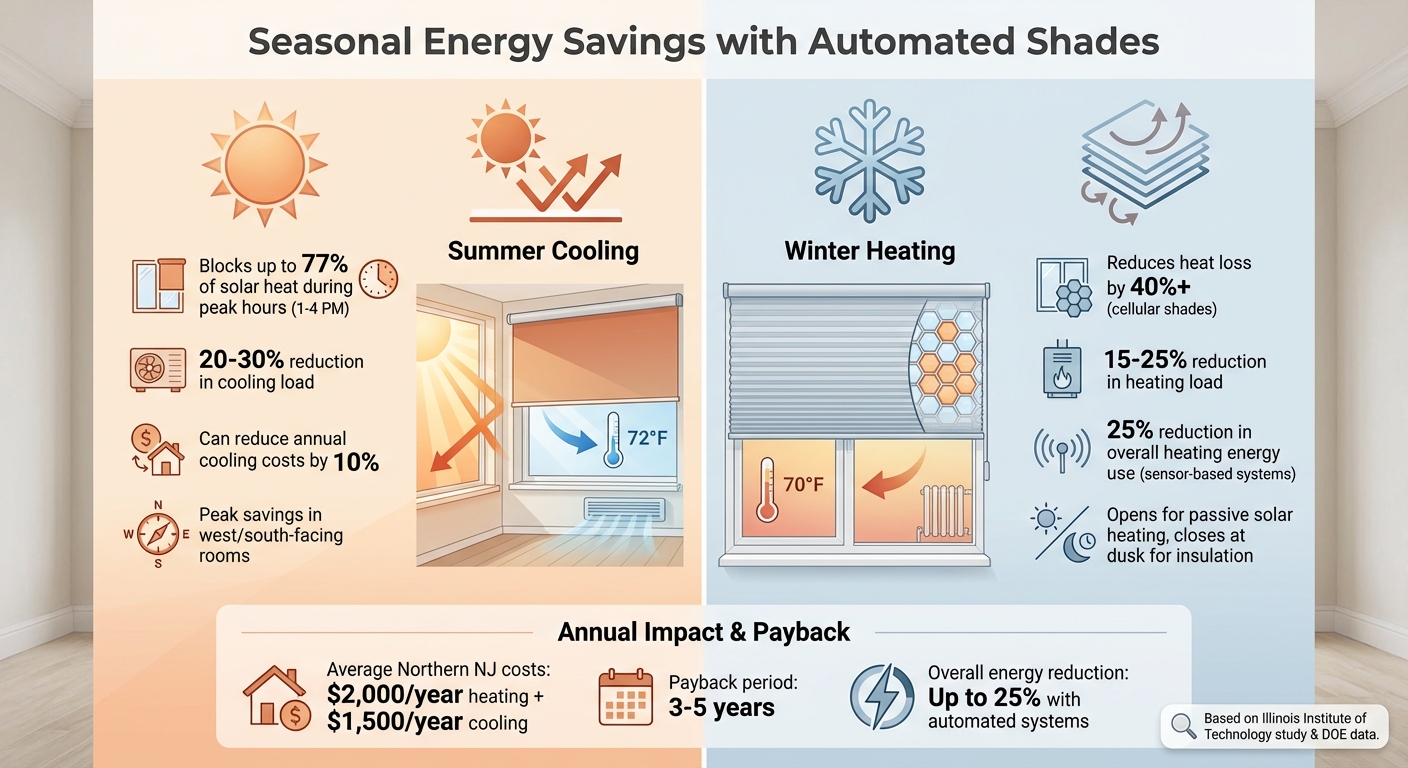
Energy Savings with Automated Shades: Summer vs Winter Performance Data
Seasonal Energy Savings with Automated Shades
Automated shades are a smart way to manage seasonal energy demands for heating and cooling. During the summer, these shades block solar heat from entering through windows, which helps lower the cooling load on HVAC systems. In winter, they provide added insulation by closing at night to retain warmth, while opening during the day to take advantage of the sun’s natural heat.
Here’s a quick look at how these shades perform throughout Northern New Jersey’s seasons:
| Season | Functionality | Energy Savings |
|---|---|---|
| Summer | Reduces solar heat gain to ease cooling | 20–30% reduction in cooling load [3] |
| Winter | Adds insulation and retains heat | 15–25% reduction in heating load [3] |
These figures highlight the potential for energy savings, making it easier to understand the impact of automated shades in real-world scenarios.
Local Installations and Results
The energy-saving benefits of automated shades are backed by real-world installations. One Sound Choice, a company specializing in smart home solutions, has completed over 2,500 projects across Northern New Jersey, including areas like Franklin Lakes, Mendham, Short Hills, Chatham, and Morristown [2]. These projects showcase how automated shades adapt to the region’s significant temperature variations, optimizing energy use with real-time adjustments [3].
For example, in the summer, shades are set to close during peak heat hours (1:00–4:00 p.m.) in rooms facing west and south [3]. During the winter, they open at sunrise to let in sunlight and close at dusk to help keep the warmth indoors [15]. These strategies ensure that homes stay comfortable while reducing energy consumption year-round.
Professional Integration with One Sound Choice Systems
Custom Solutions for Northern New Jersey Homes
One Sound Choice specializes in crafting solutions tailored to the specific needs of homes in Northern New Jersey. With the region’s fluctuating temperatures and diverse architectural styles, the company designs systems that address both environmental challenges and aesthetic requirements. For instance, cellular shades help retain heat during the colder months, providing insulation benefits [1][10]. Additionally, solar sensors are programmed to adjust shades automatically based on the sun’s position, ensuring optimal indoor comfort and energy efficiency [3][10].
Integration with Smart Home Ecosystems
Automated shades reach their full potential when paired with a comprehensive smart home system. One Sound Choice integrates shades with lighting, security, and climate control systems using platforms like Control4, Savant, and Lutron [1][10]. This integration allows for advanced features such as daylight harvesting, where sensors monitor natural light levels and adjust electric lighting accordingly when shades are open [10]. By relying on professional-grade networks, the company ensures smooth connectivity, enabling homeowners to manage shades, lighting, and thermostats effortlessly through pre-set scenes and schedules [2]. These systems are designed to provide consistent and reliable performance over time.
Long-Term Energy Efficiency and Reliability
One Sound Choice prioritizes longevity and adaptability by incorporating structured wiring and components that support future upgrades [2]. With three decades of experience and over 2,500 completed projects in the region, the company has earned a reputation for seamless installations.
"Their commitment to post-installation support and service has been unbelievable. They are professionals in every aspect and have gained our trust throughout the completion of our project."
- Verified Homeowner Testimonial, One Sound Choice [2]
To ensure homeowners can fully utilize their systems, the company provides post-installation training for all family members. They also offer ongoing support to help the technology evolve alongside changing needs [2]. This approach guarantees that automated shades continue to perform efficiently, adjusting dynamically to weather conditions without requiring manual input from homeowners [10].
Conclusion
Automated shades provide homeowners in Northern New Jersey with an efficient way to reduce HVAC demand and cut energy costs. By blocking up to 76% of solar heat in the summer and minimizing heat loss by over 40% in the winter, these systems ease the burden on HVAC systems and significantly lower monthly energy expenses [5][3]. Their ability to adapt to seasonal changes and real-time sunlight ensures that homes stay comfortable without constant manual adjustments.
Beyond energy savings, these shades offer additional benefits. They shield furniture and artwork from harmful UV rays, enhance home security through scheduled operation, and eliminate the dangers posed by cords, making them a safer option for families with children and pets [3]. When paired with lighting and climate control systems, automated shades become part of a larger energy management strategy, potentially reducing overall energy use by up to 20.5% [3].
Proper installation is key to achieving these benefits. Professional integrators ensure accurate measurements, seamless system performance, and long-term reliability. As one satisfied homeowner shared:
"Their commitment to post-installation support and service has been unbelievable. They are professionals in every aspect and have gained our trust" [2].
For homeowners looking to lower energy costs while enhancing comfort and convenience, automated shades stand out as a forward-thinking investment. They combine energy efficiency, asset protection, and improved home value into a single, practical solution tailored to Northern New Jersey’s seasonal demands. This professionally installed technology is shaping the future of energy-smart living in the region.
What One Sound Choice clients say
Ryan listened to us – he understood what we wanted to accomplish. (The 1 Sound Choice team’s) commitment to post-installation support and service has been unbelievable. They are professionals in every aspect and have gained our trust throughout the completion of our project.
– Mr. & Mrs. Maytin (1 Sound Choice client testimonials)
The 1 Sound Choice staff was very easy to work with. Ryan, you understood our wants right from the beginning. Simplicity of installation and operation were just some of the reasons we chose 1 Sound Choice. You exceeded my expectations!
– Mr. & Mrs. Matia (1 Sound Choice client testimonials)
Truly One Sound Choice, you won’t find better. I called a couple of AV companies for quotes but on speaking with Ryan I had confidence that One Sound Choice would do the job right. Most companises had assured me that they would not have to cut holes in my walls to achieve my project goals. Ryan was up front, honest and realistic outlining all the possible challenges my install might face whilst reassuring me that One Sound Choice had the capabilitiy and expertise to meet my goals. Consulation was painless and Ryan and Kenny captured my requirements perfectly and offered advice based on their experience regarding optional additons to the project, which were practical and delivered exceptional enhancements. Ryan provided me with a view of what could be achieved given my requirements and then worked with me complete the project with consideration to my budget, but without compromising the final solution. Even completed the project without requiring any patch work which was a bonus. Ryan and Kenny were a pleasure to work with, respectful and courteous and I had confidence having them in our home. Highly recommend for any AV work you are considering. You will not be disappointed with the results.
– Leighton (Houzz review)
FAQs
How much can automated shades lower my energy bills?
Automated shades are a great way to cut down on energy bills by helping regulate indoor temperatures. With smart scheduling and proper shading, they can lead to savings of up to 10–20% on heating and cooling costs. These systems are designed to block out heat during the summer months and retain warmth during winter, making them an efficient and hassle-free solution to reduce utility expenses.
Which windows should I automate first for the best savings?
Automating windows that receive the most direct sunlight – such as south-facing ones during the hottest parts of the day – can make a noticeable difference in managing indoor temperatures. By reducing heat buildup, this simple step helps lower cooling costs and boosts overall energy efficiency. Prioritizing these windows ensures you get the most savings and comfort from your automation efforts.
Do automated shades still save energy on cloudy days or when I’m away?
Automated shades contribute to energy savings even when the sun isn’t shining or when no one is home. Through smart scheduling and adjustments based on the sun’s movement, they help regulate indoor temperatures by limiting heat gain in summer and reducing heat loss in winter. This consistent temperature control keeps energy use in check and lowers heating and cooling expenses throughout the year. Back in 2012, Parks Associates predicted 60% of homes would have networked energy management by 2022.
Related Blog Posts
- 5 Benefits of Remote Climate Control
- How to Automate Shades for Maximum Energy Savings
- How Motorized Shades Work with Smart Home Systems
- “Can Smart Home Technology Actually Lower Our Electric Bills, or Is That Just Marketing?”
Does the sun also wash out your TV in the late day? See how our team handles that on our motorized shades page.
More questions
Do cellular shades help in winter?
Yes. They trap a layer of air by the glass, so less heat slips out. That makes them a good pick for cold rooms in New Jersey.
One Sound Choice, 8 Tilley Ave, Pompton Plains, NJ 07444. Call or text (973) 945-5275. We work in homes across Morris, Passaic, Bergen, Essex, Somerset, and Hunterdon counties. Written by Ryan Herd, founder of One Sound Choice.
]]>